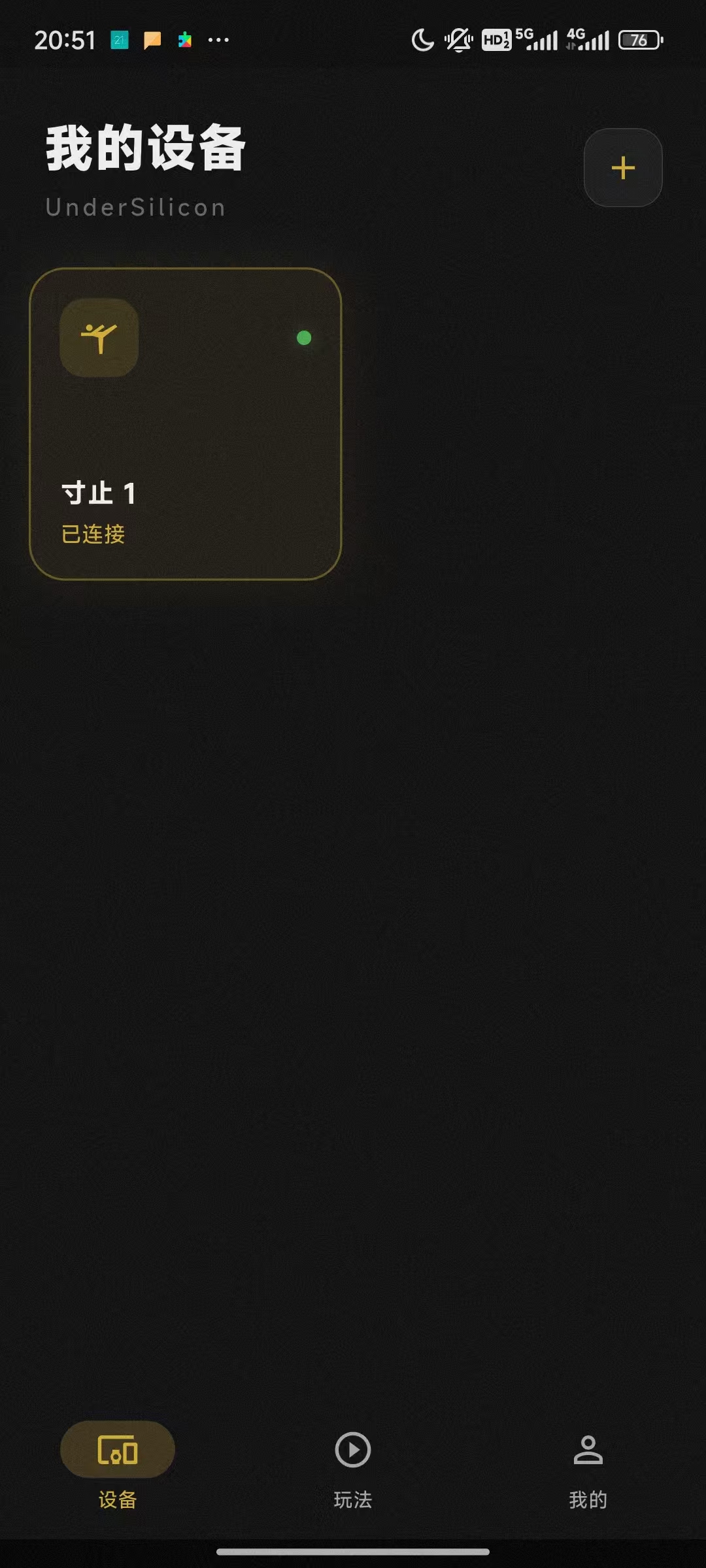
Client Download
Currently, only Android devices are supported; iOS support is coming soon.
Android download link: https://dl.undersilicon.cn/apk/latest/app-release.apk
Device Connection (using cunzhi01 as an example)
- Power on the device. The device should be in a blue blinking light state (if it is not blinking, please charge it first).
- Open the client, click "Add Device" or the plus sign in the top right corner.
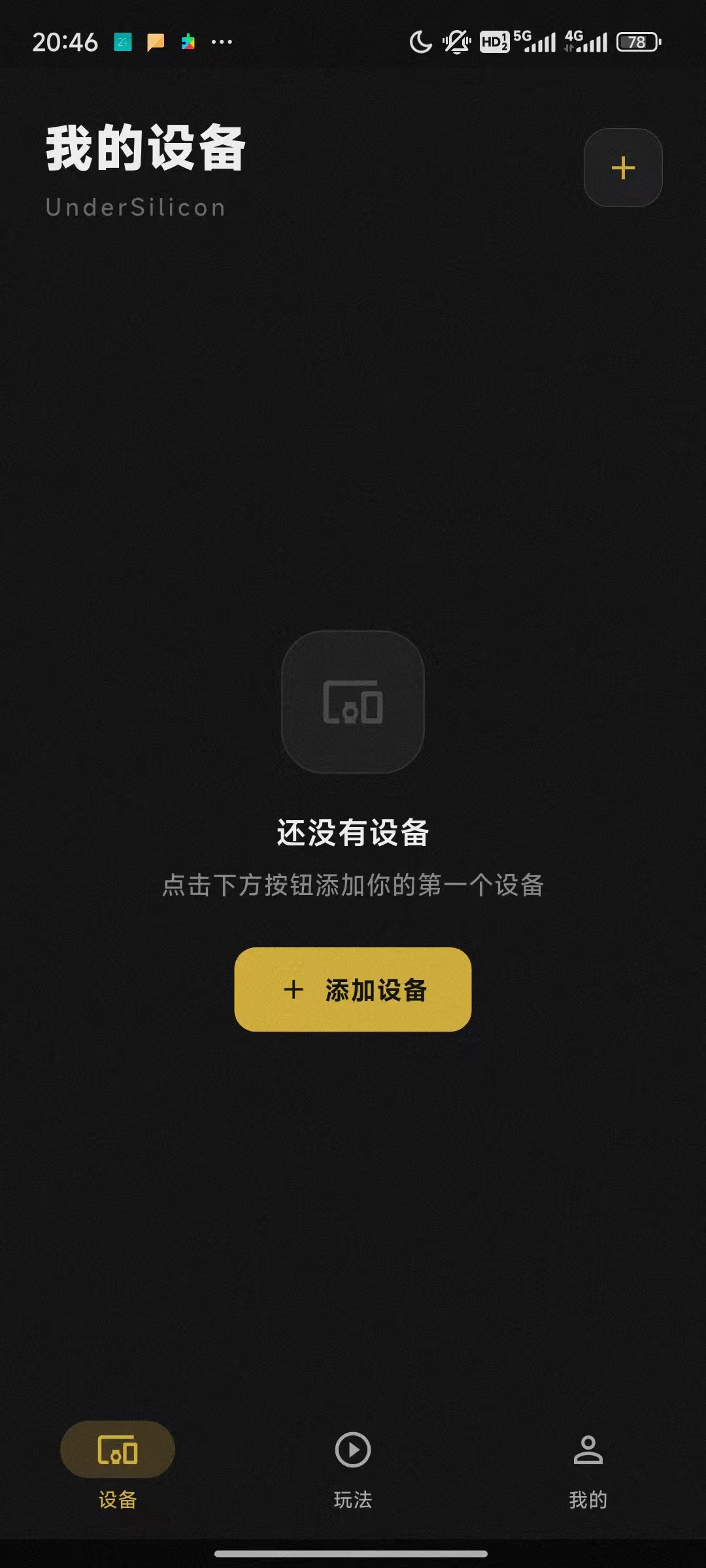
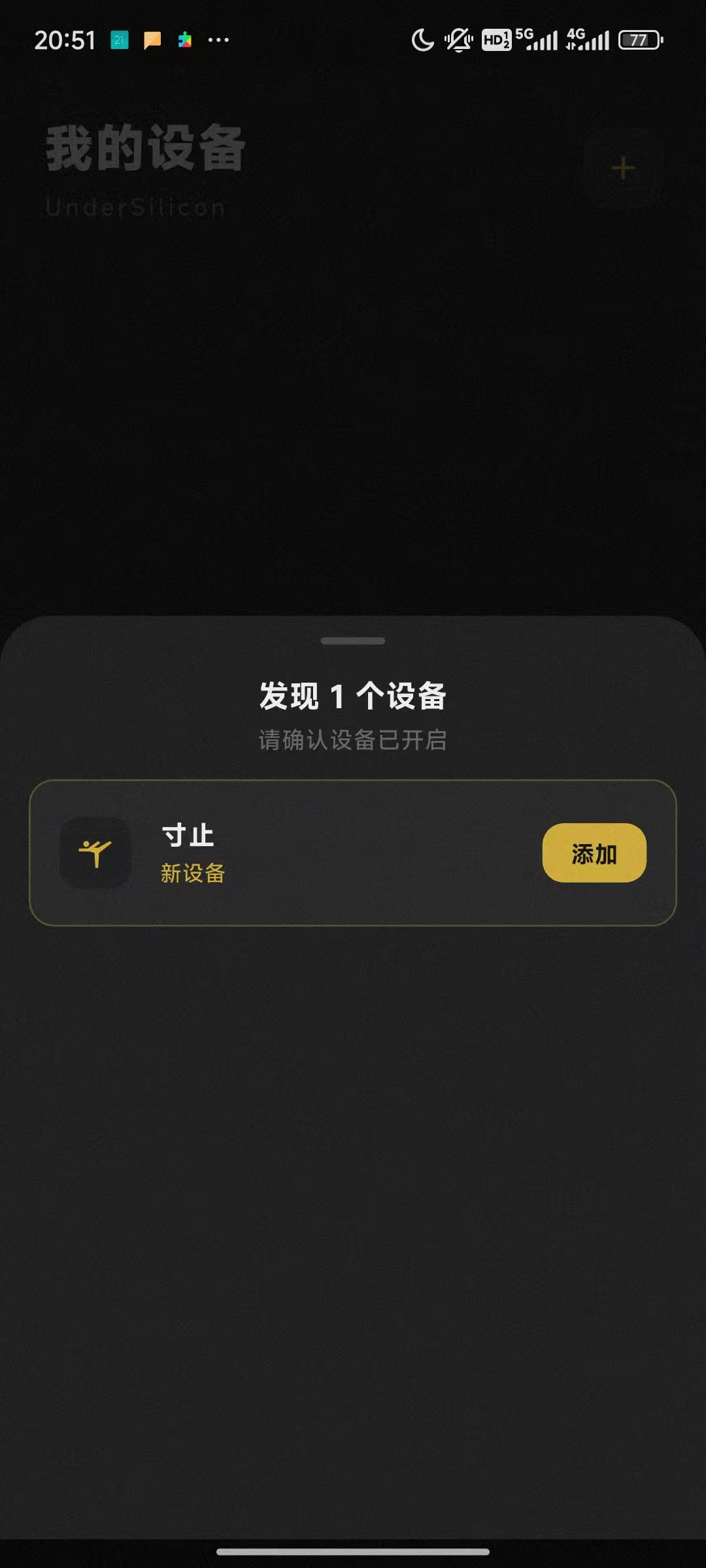
- Click "Add Device".
- Click "Complete".
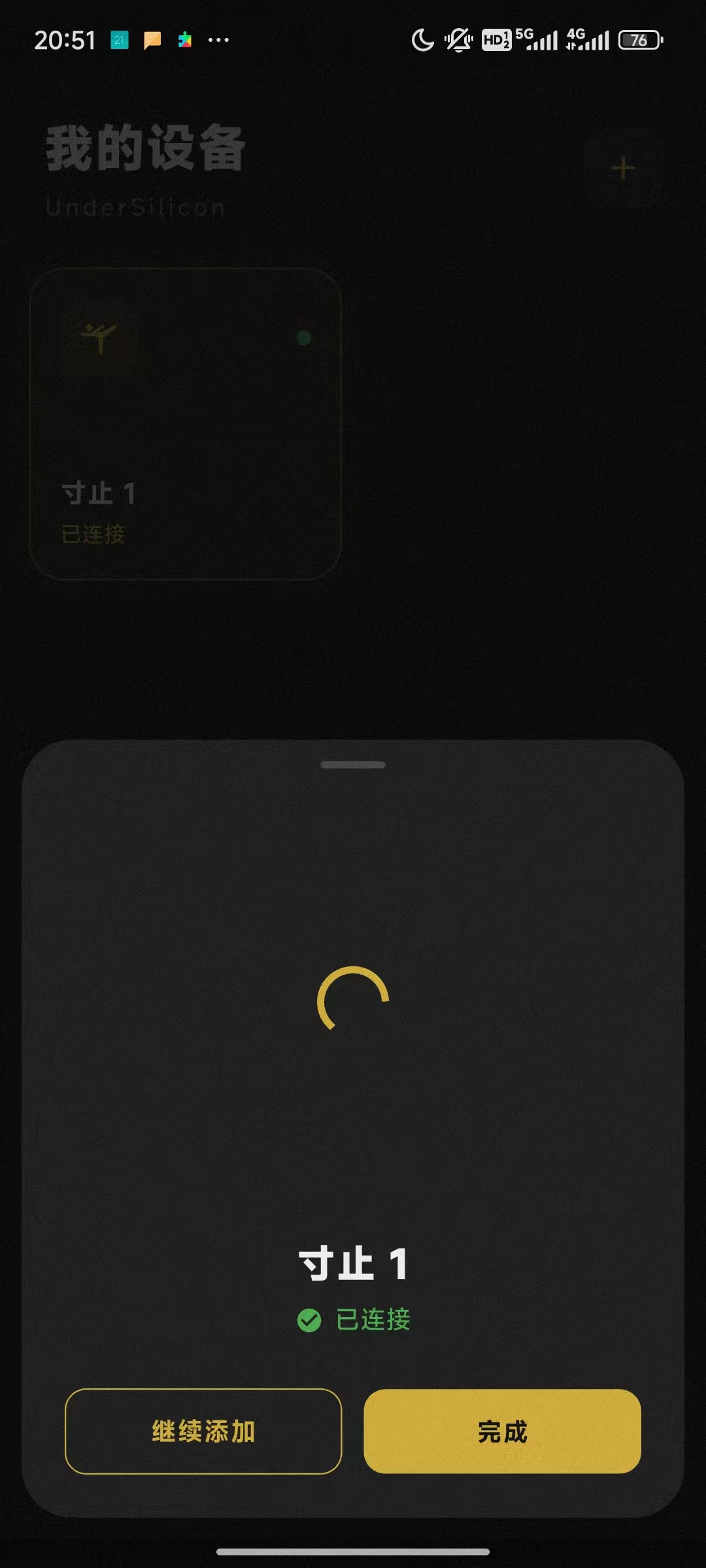
- At this point, the device has been successfully added and properly connected. After a successful connection, the blue light will stay on for a few seconds and then turn off.