Shanbay Vocabulary Shock Play Tutorial
Why a Shock?
Why are games more stimulating than studying? Because there's a cost—you can't afford to lose, so you're fully focused and exhilarated with every move.
But what about memorizing vocabulary? You either "know" a word or you "don't know"—answering right or wrong feels uneventful. The brain thinks, "Whatever, next," and the words simply don't stick 😭
What if you get a shock for a wrong answer? Give "wrong" a tangible cost, and every word instantly becomes a life-or-death situation—that's the Shanbay Vocabulary Shock play: Wrong answer → Shock → You'll definitely remember it next time 🔌⚡
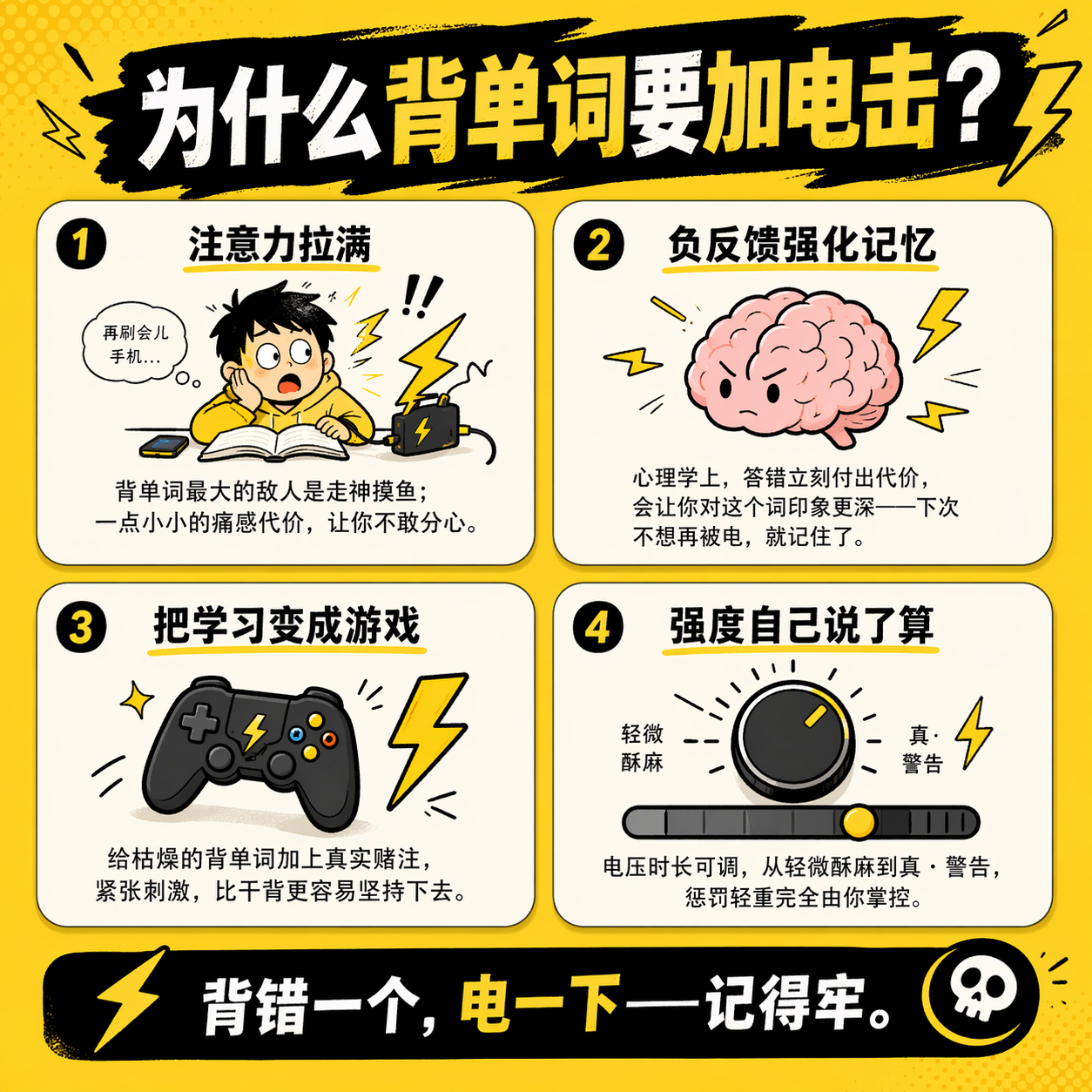
Shanbay Vocabulary Shock is a plugin play mode based on the Shanbay web version vocabulary study page: when the plugin detects that you clicked "Don't Know" (wrong answer), or—if punishment is enabled—detects "Couldn't Remember," it triggers the connected shock device to give you a zap ⚡.
🛒 Get the device: Purchase on Taobao | Purchase on Official Website | Claim Discount Coupon
🎬 Video Tutorial: UnderSilicon Video Site (not yet uploaded) | YouTube (not yet uploaded)
Gameplay Description
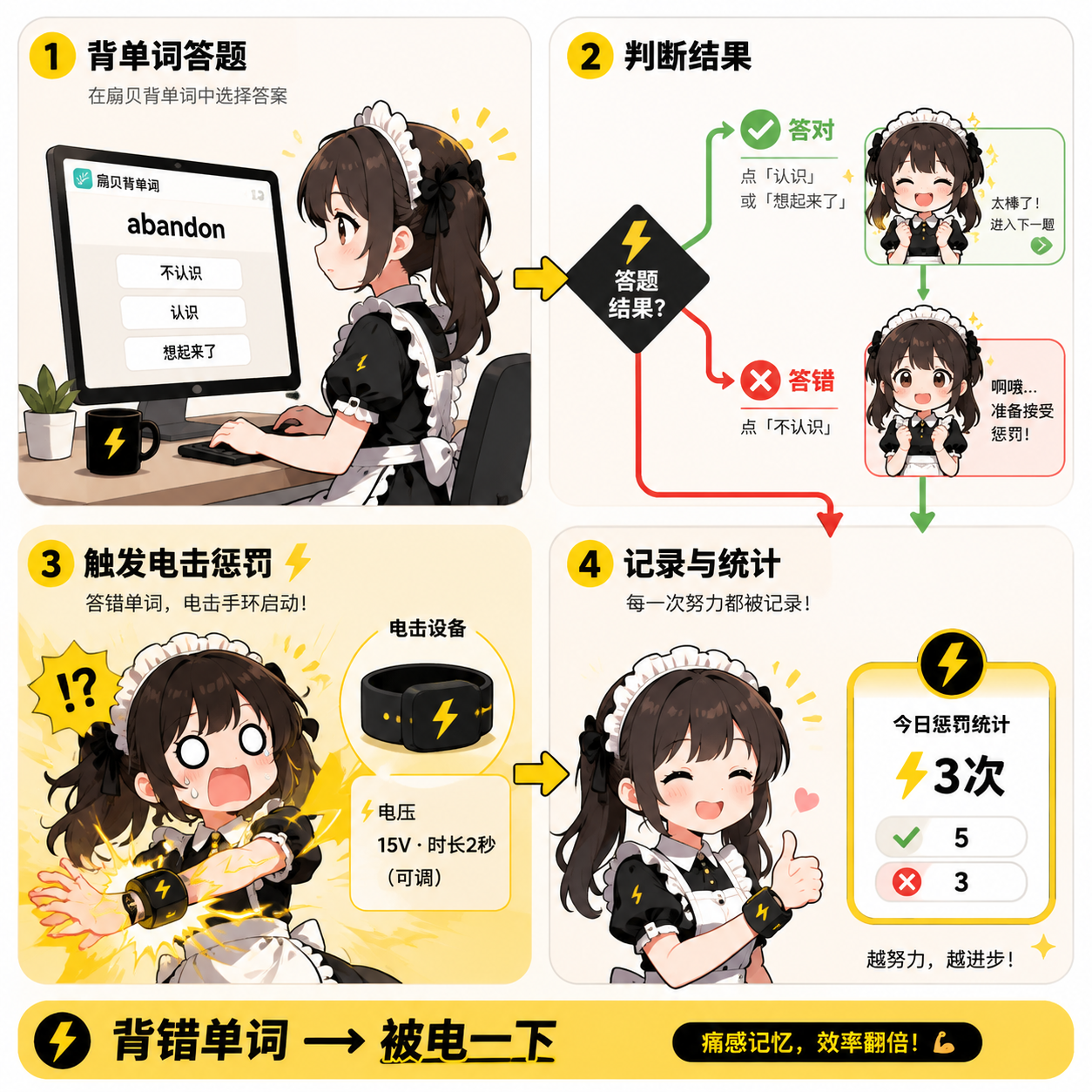
The whole closed-loop in one sentence: Shanbay Answering → Plugin judges right/wrong → Wrong answer triggers shock device—Painful memory, doubled efficiency.
Steps
1. Preparation
Please install the client and connect the device first. For details, see PC Control Client.
Before starting, double-check these:
- The control client is connected to a shock device (if not connected, you won't get shocked)
- At least one device with
shockcapability is available in the device mapping - The browser can normally open the Shanbay web version vocabulary study page
- On first use, start with low intensity and short duration. Don't max it out right away ⚠️
2. Enter the Play Library
Find "Shanbay Vocabulary Shock" in the play library on the control panel.
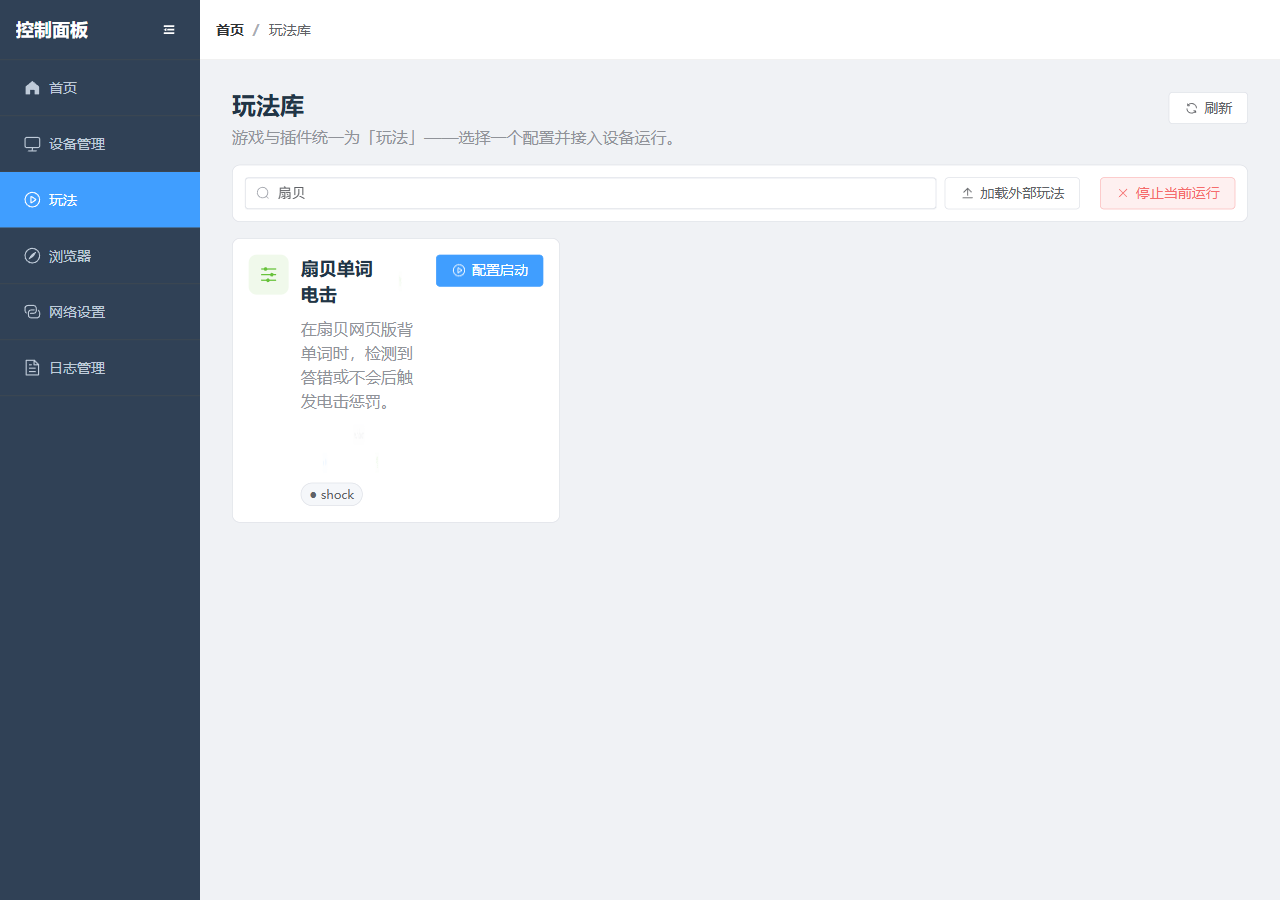
3. Open Pre-Launch Configuration
Click "Configure & Start" to enter the plugin configuration page.
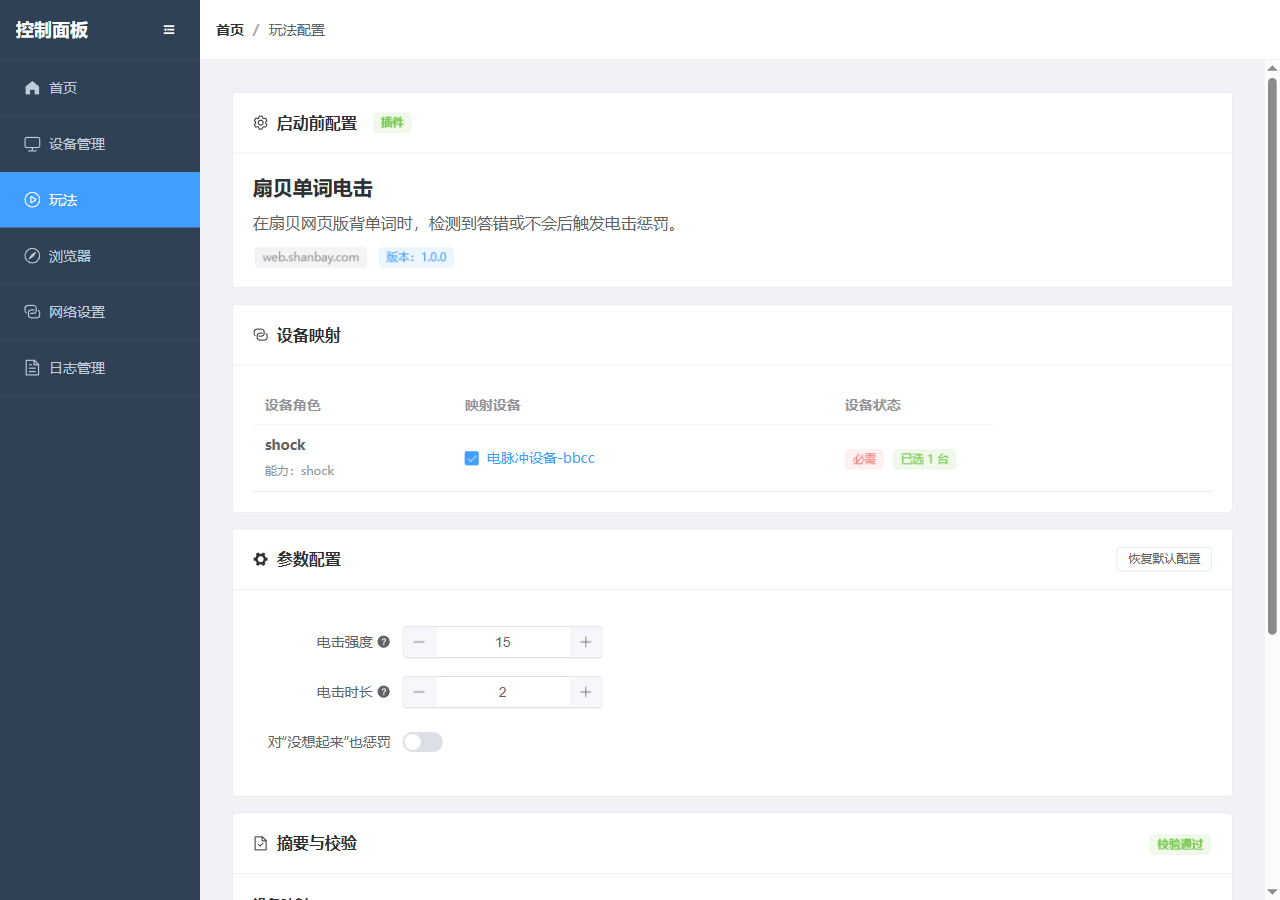
4. Map the Shock Device
In "Device Mapping," select a device with shock capability. If none, go connect one first 😉
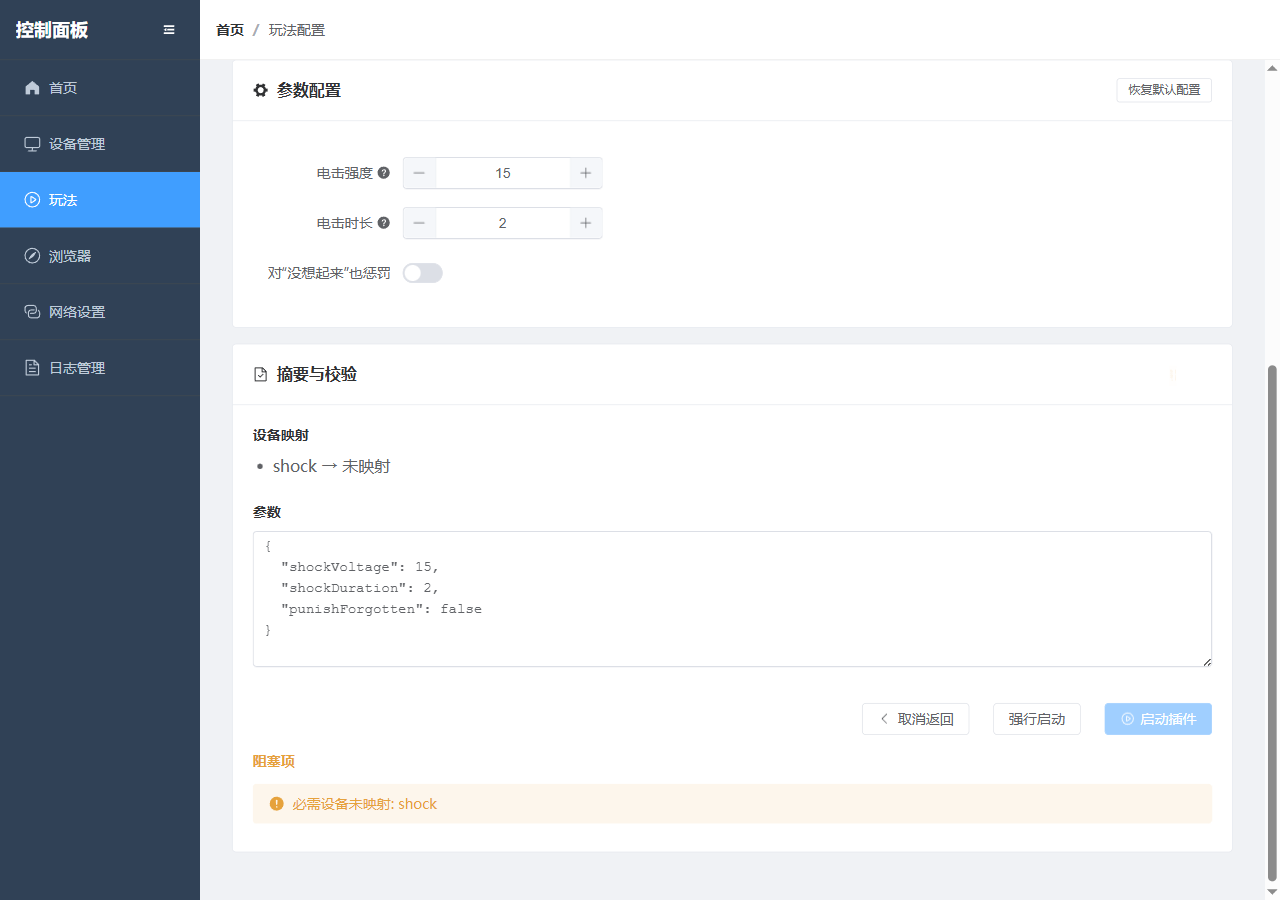
5. Set Parameters
Adjust the following parameters as needed:
- Shock Intensity (suggest starting low and gradually increasing)
- Shock Duration (similarly, start short, then increase)
- Whether "Couldn't Remember" also triggers punishment (option for the ruthless 💀)
6. Launch the Plugin
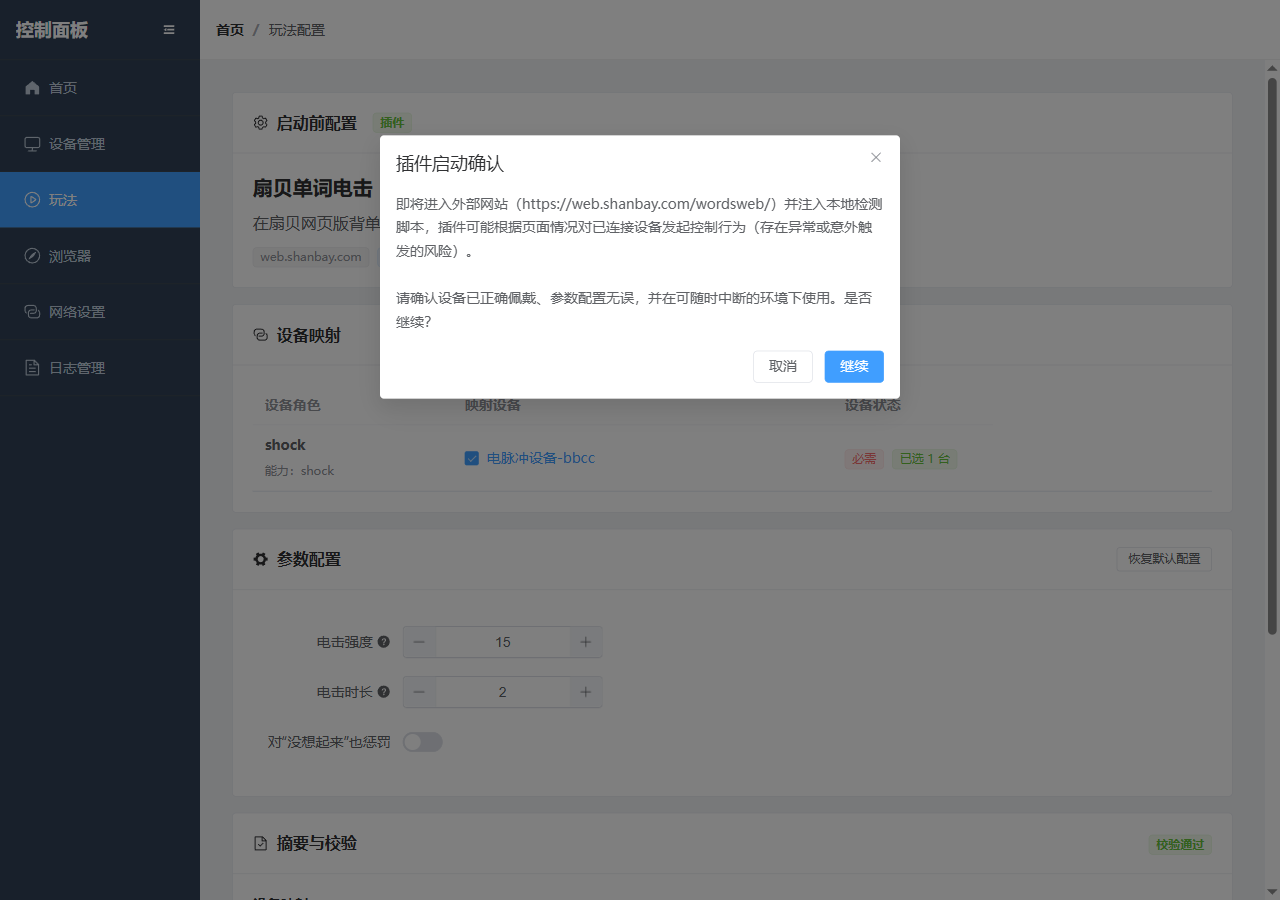
Click "Launch Plugin" and confirm in the pop-up. Your last chance to chicken out!
7. Begin Your Shock Learning Journey ⚡
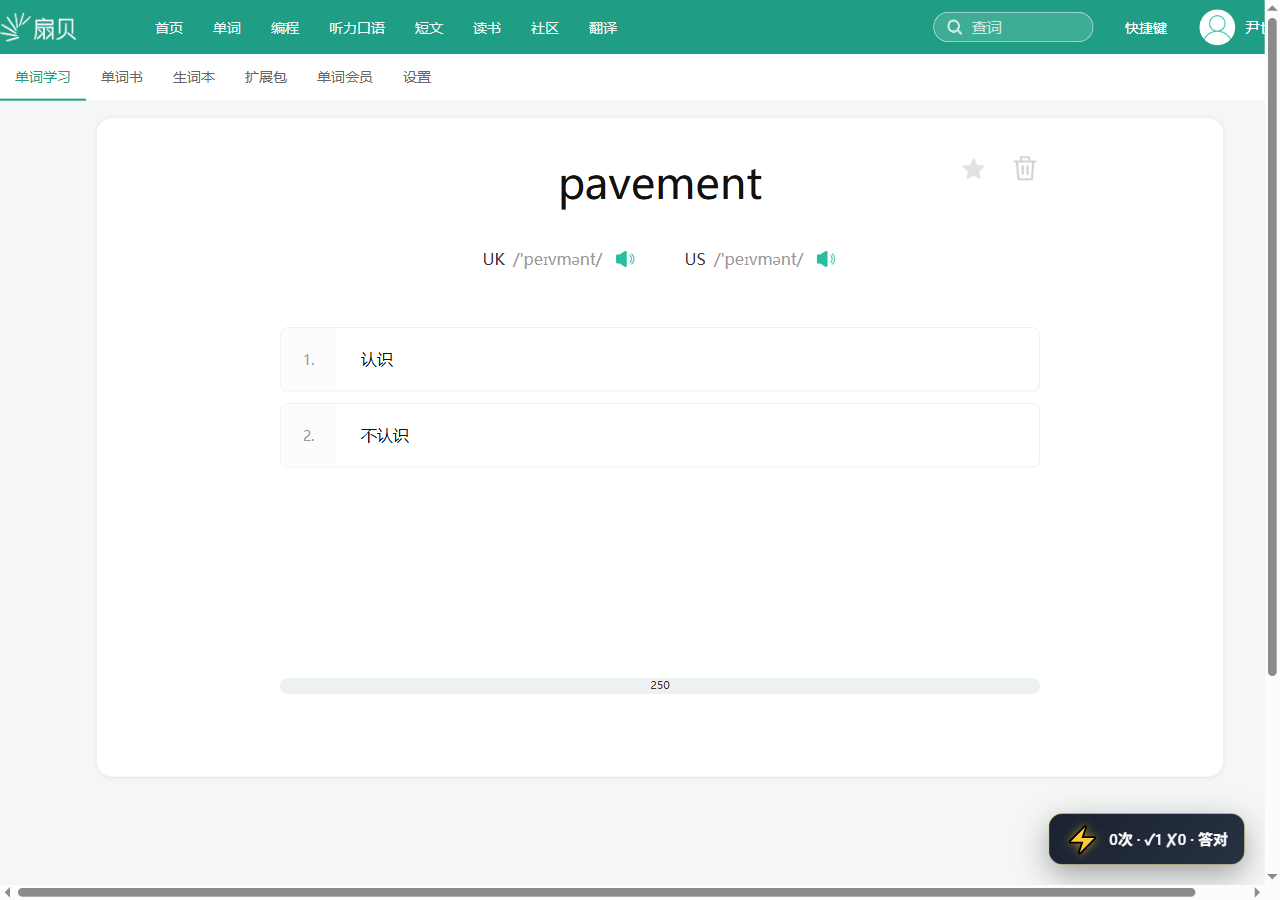
The study page will first show the current word, phonetic transcription, and two answer options.
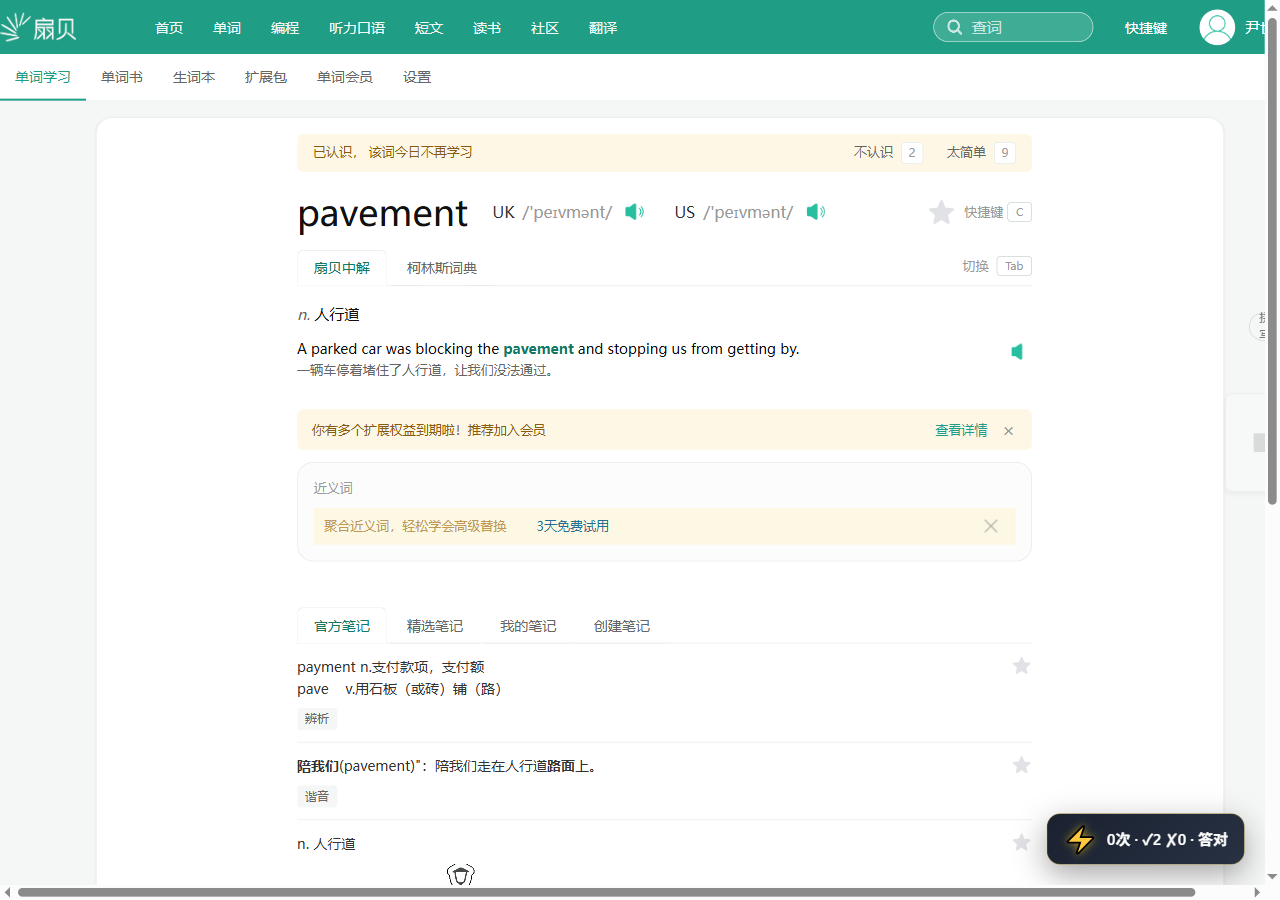
After a correct answer, it switches to the result state, indicating the word won't be studied again today. Congratulations, you've escaped 🎉
Signal Rules
| Shanbay Page Signal | Plugin Judgment | Default Shock? |
|---|---|---|
Know | Correct | ❌ No shock (Good job) |
Don't Know | Wrong | ⚡ Shock! |
Remembered | Correct | ❌ No shock (Recall successful) |
Couldn't Remember | Recall unsuccessful | By default lenient; with punishment enabled ⚡ |
FAQs 🛠️
- No shock triggered: Check if the device mapping selected a
shockdevice and confirm the plugin config page has no errors. Not getting shocked isn't a good thing here! - Triggers too often: Turn off "Punish 'Couldn't Remember'" or reduce intensity and duration. Be kind to yourself 😅
- Page not entering study state: First ensure you're logged into your Shanbay web account and can start vocabulary learning normally.
Tips 💡
- Verify your shock device is correctly mapped (Controller in hand, world at your command)
- Start with low intensity and short duration to find your personal "pain threshold"
- Stop the plugin before switching pages or exiting
- Give yourself a reward after finishing a set—after all, anyone who persists is a legend 💪⚡