Cone-Piercing-Assisted Vocabulary Learning Guide
Gameplay Instructions:
Always feel drowsy when memorizing vocabulary?
Now you need a little stimulation to eliminate sleepiness.
Simply place the device on your body, and it will give you a refreshing boost when you answer incorrectly~
This way, efficiency will skyrocket.
Prerequisites
- Have 2.4GHz Wi-Fi at home.
- The Wi-Fi and computer are on the same local network (connected to the same router).
- The router supports mDNS (use mobile hotspot if not supported) Check if the router supports mDNS (most routers do support it).
- Already have a simple smart pulse terminal: Simple Smart Pulse (Electrical Stimulation) Terminal or Taobao Link.
Specific Usage Instructions
Related file downloads:
LanZou Cloud
https://wwcg.lanzouu.com/ielL62nsy9cj
Password: 95pt
Discussion group: WeChat Group
Install Browser Extension
- Open Edge browser.
- Type
edge://extensions/in the address bar and press Enter.
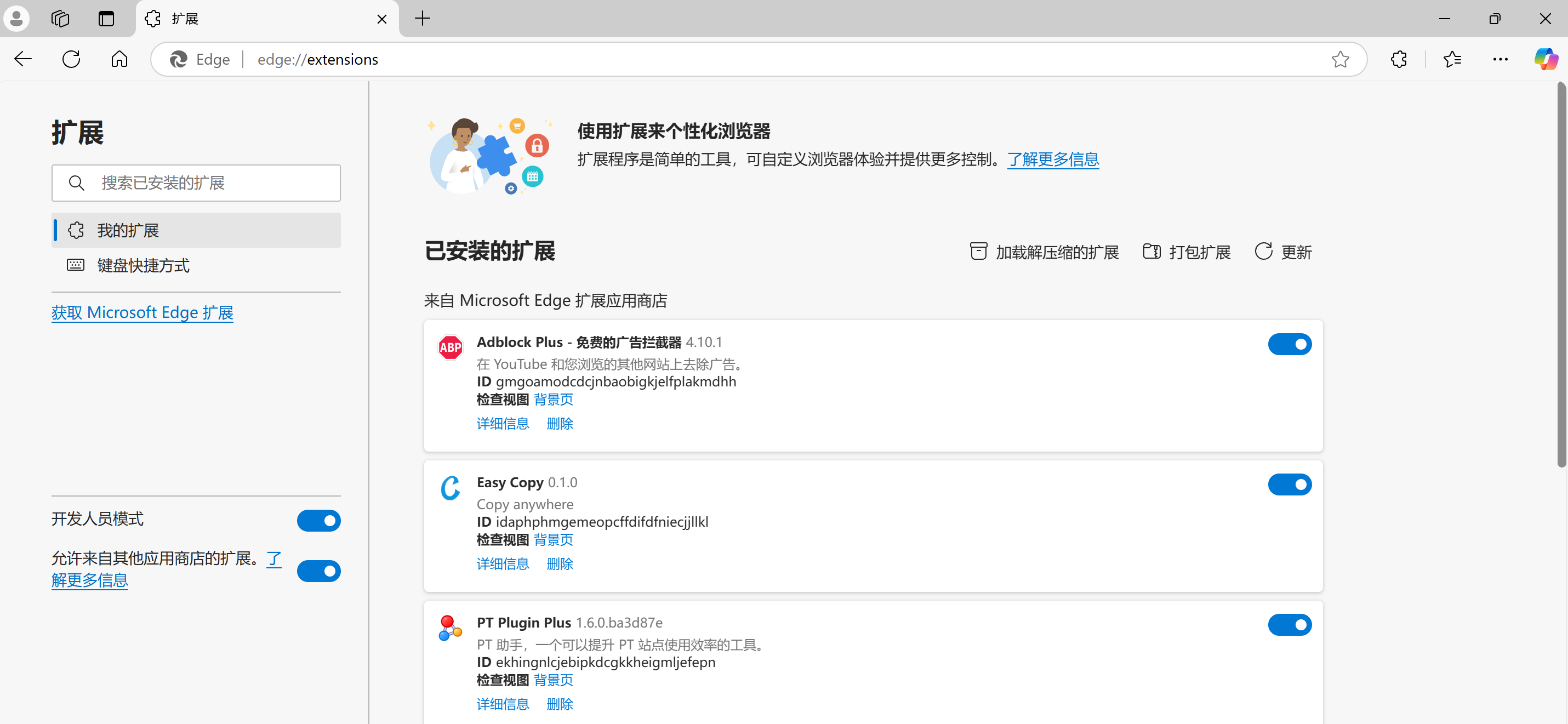
- Turn on Developer Mode.
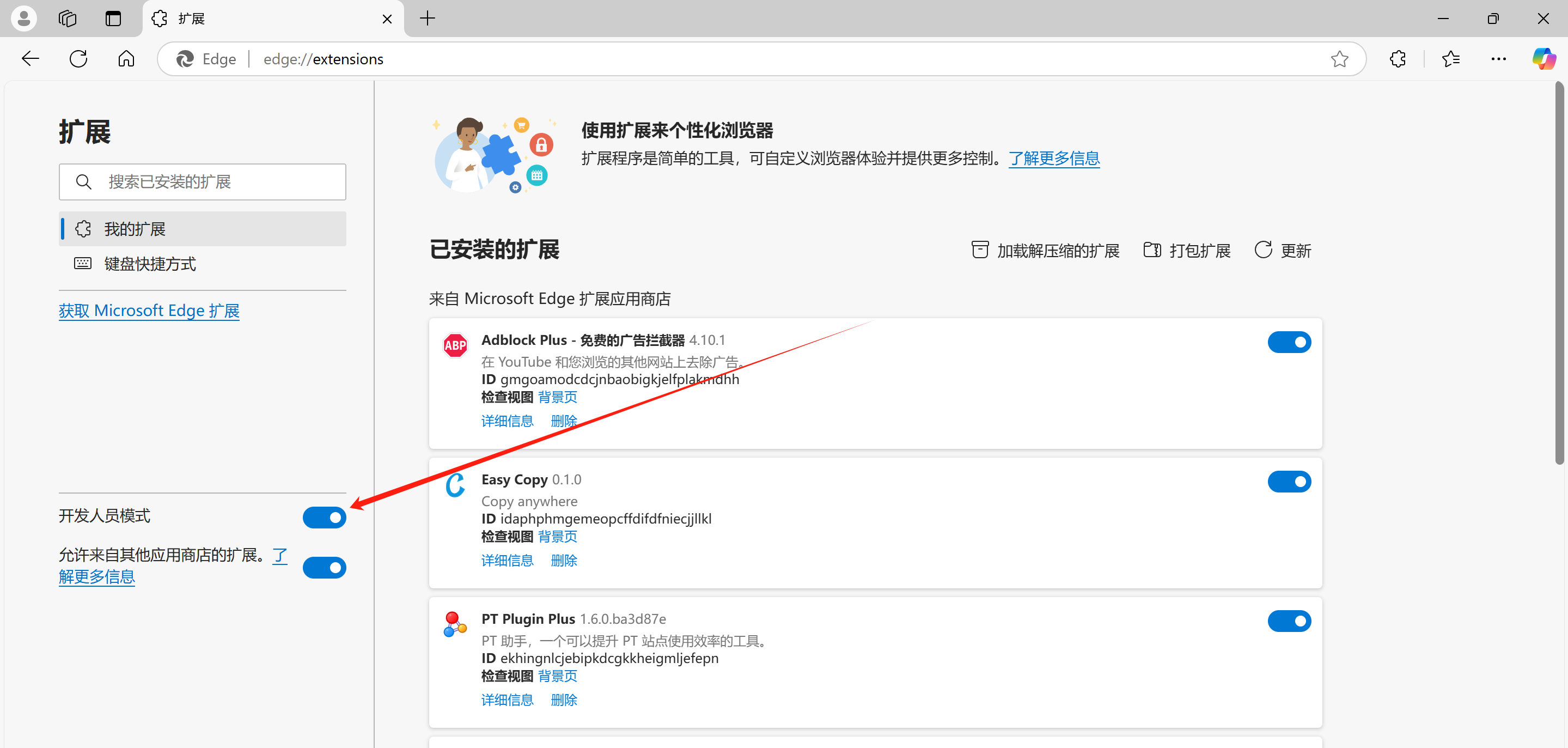
- Load unpacked extension.
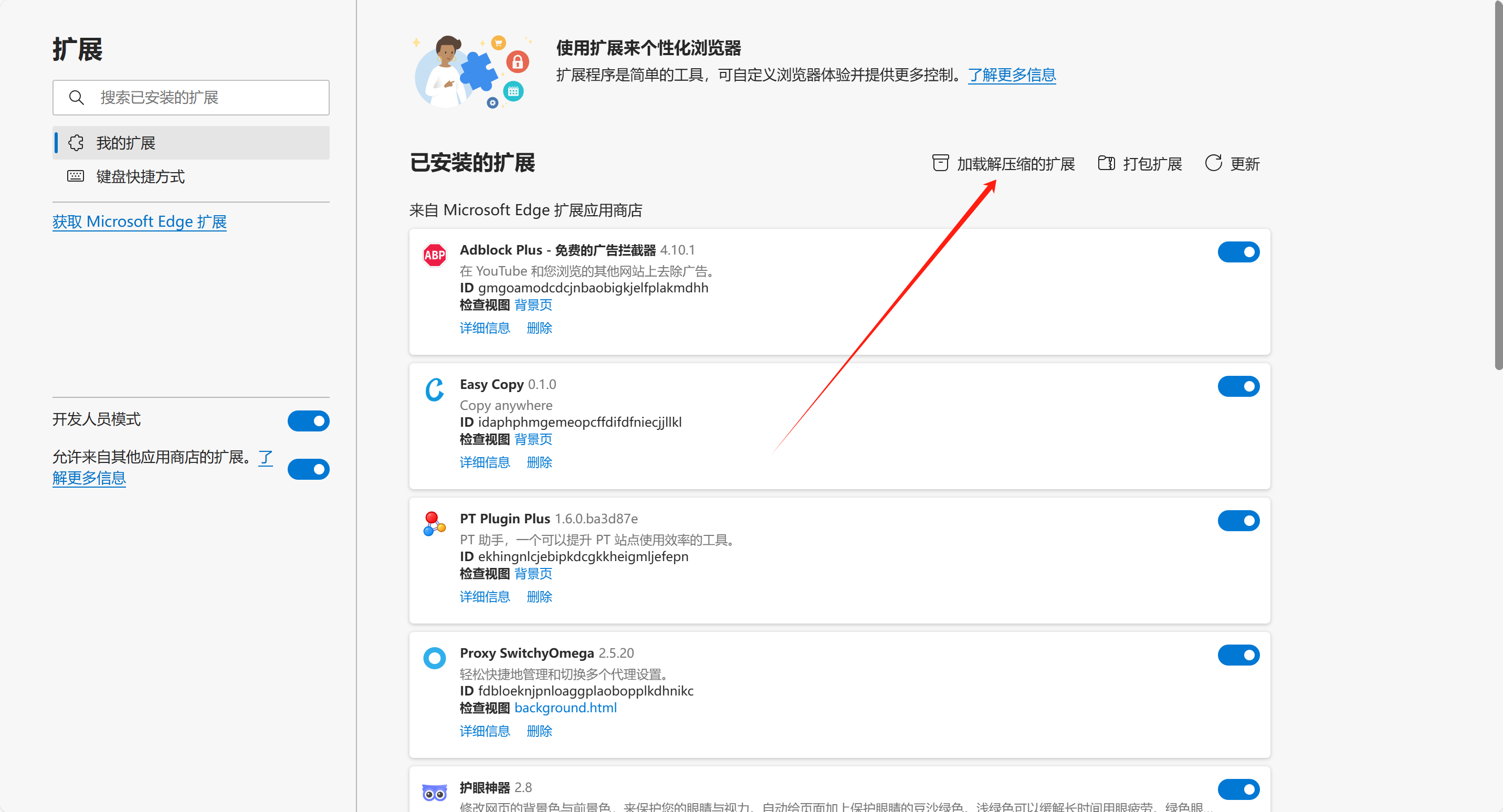
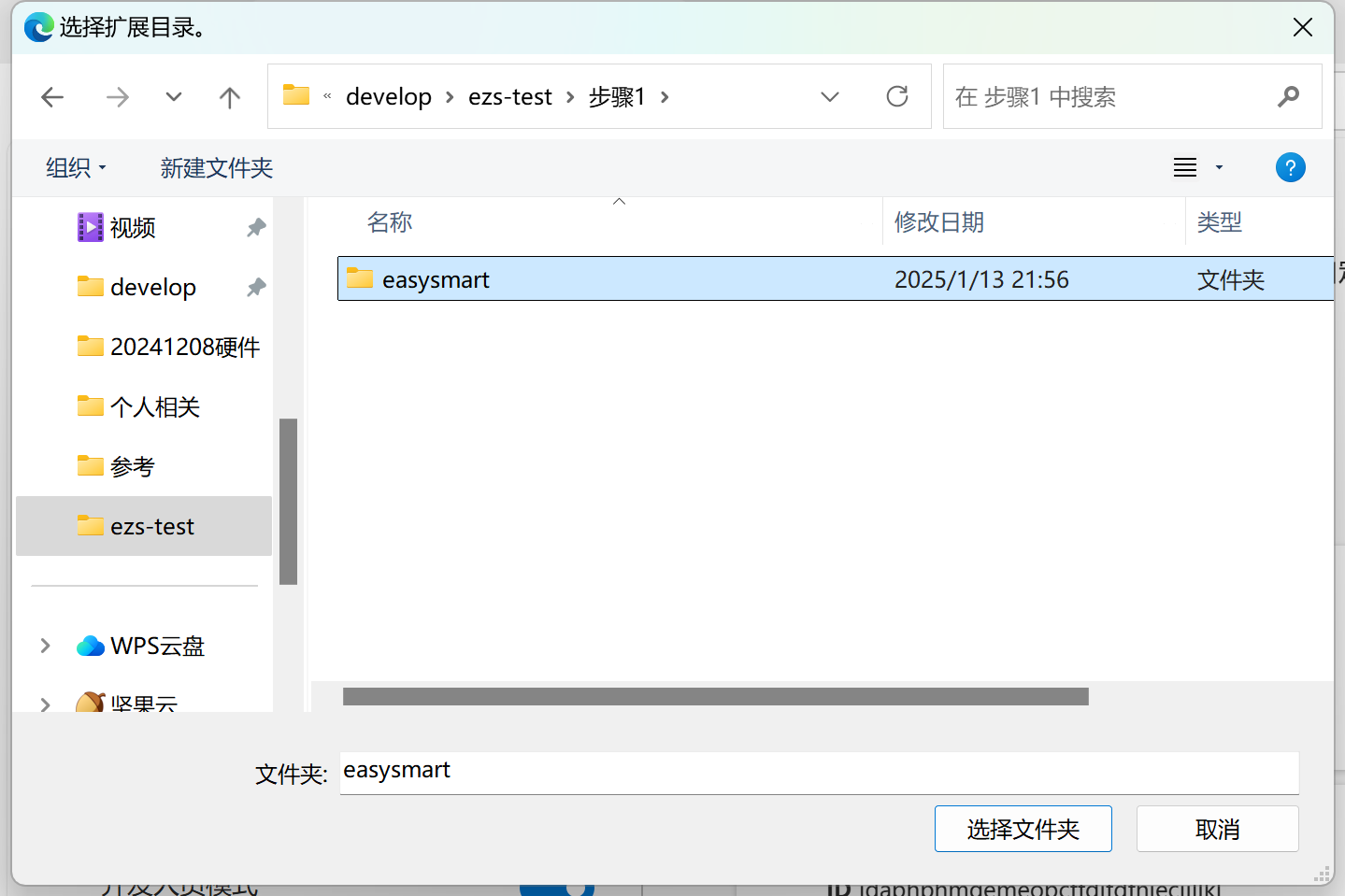
- Select the "easysmart" folder from Step 1.
- Installation complete.
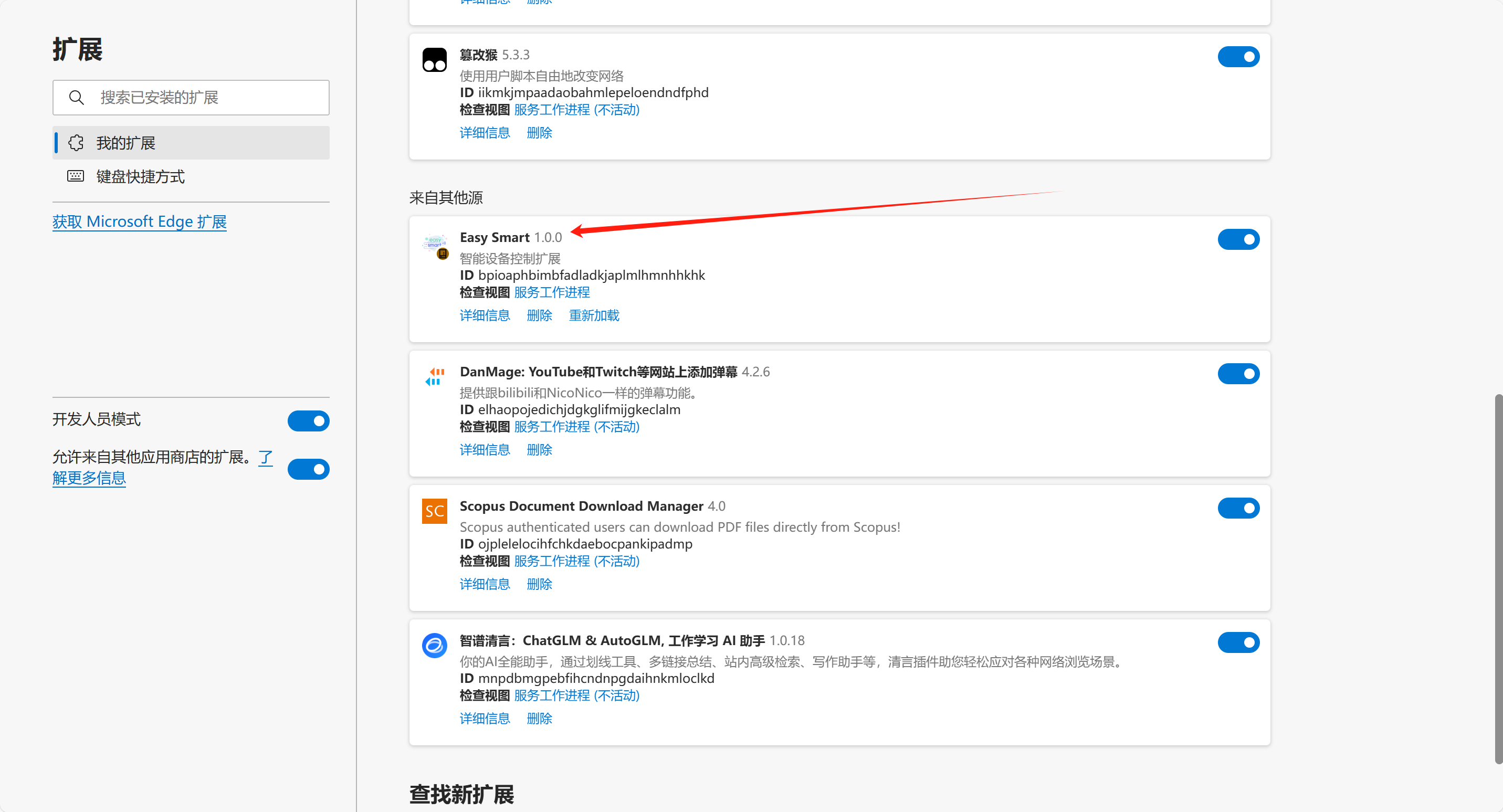
- You can find it here afterward.
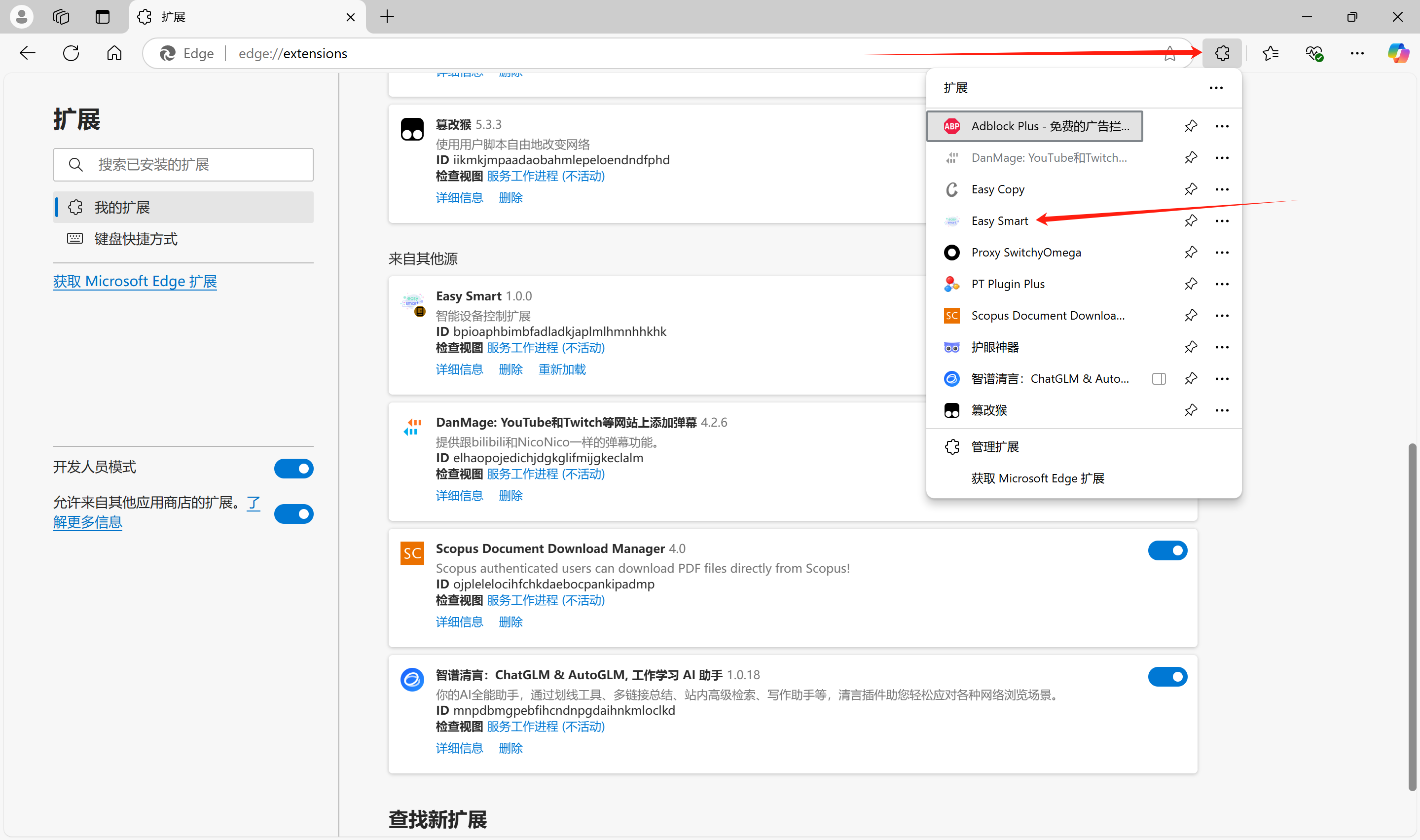
Device Network Configuration
(Recommended to charge the device before first use.)
- Flip the switch to turn on the device. The device will light up when turned on.
- Launch the mini-program to configure the device's network.
For this step, please refer to Connecting the Device to Wi-Fi via APP or Connecting the Device to Wi-Fi via Mini-Program.
Run the Server on the Computer
- Run "Step 2 Start.bat" on the computer. It will take about 2 minutes to start (longer on the first run). Success is indicated by the red box content (download the file from the top of the document if not present).
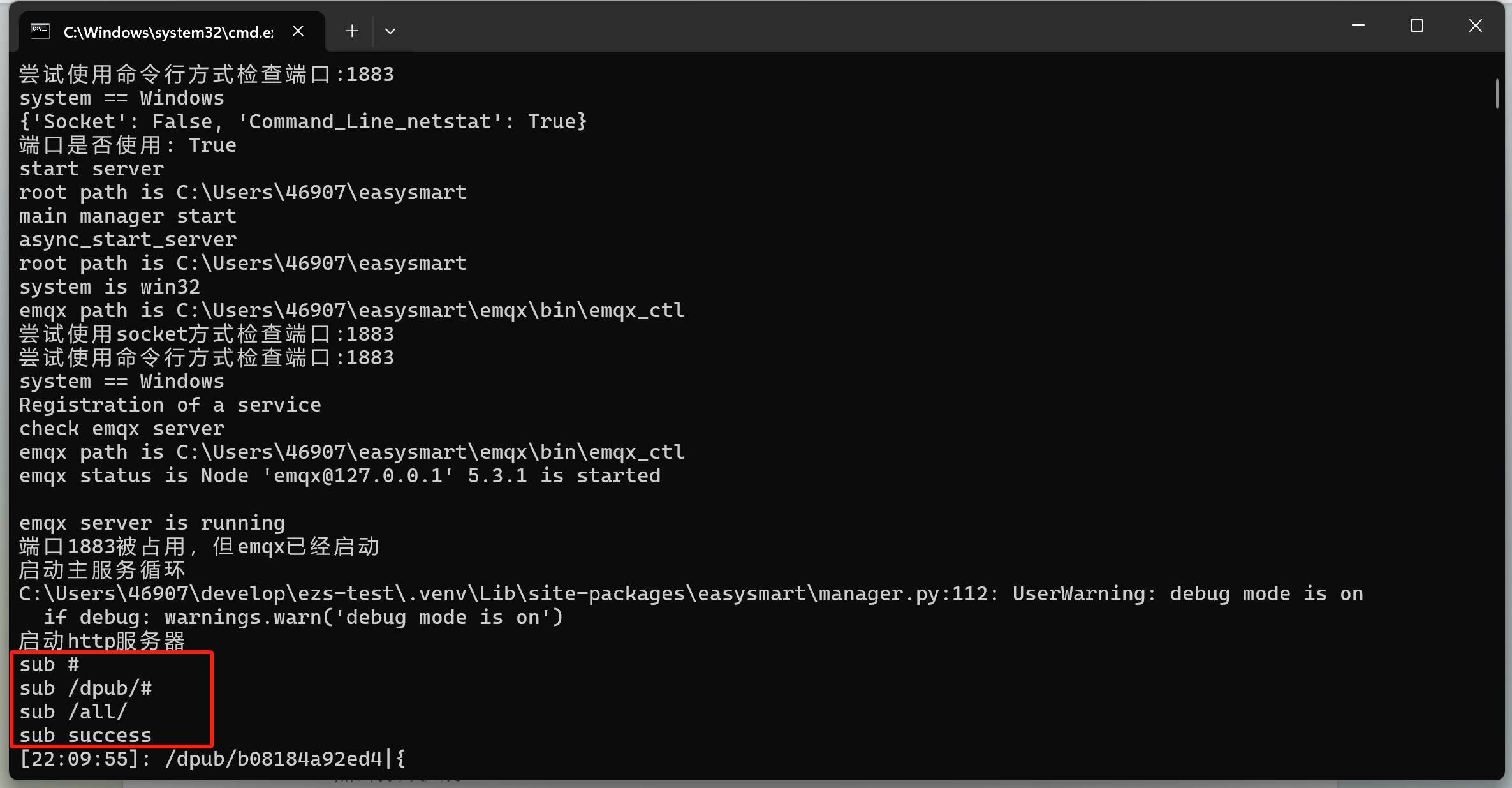
- You can connect the electrode pads to your body and insert them into the device.
Voltage and Duration Settings
- Click to open the extension.
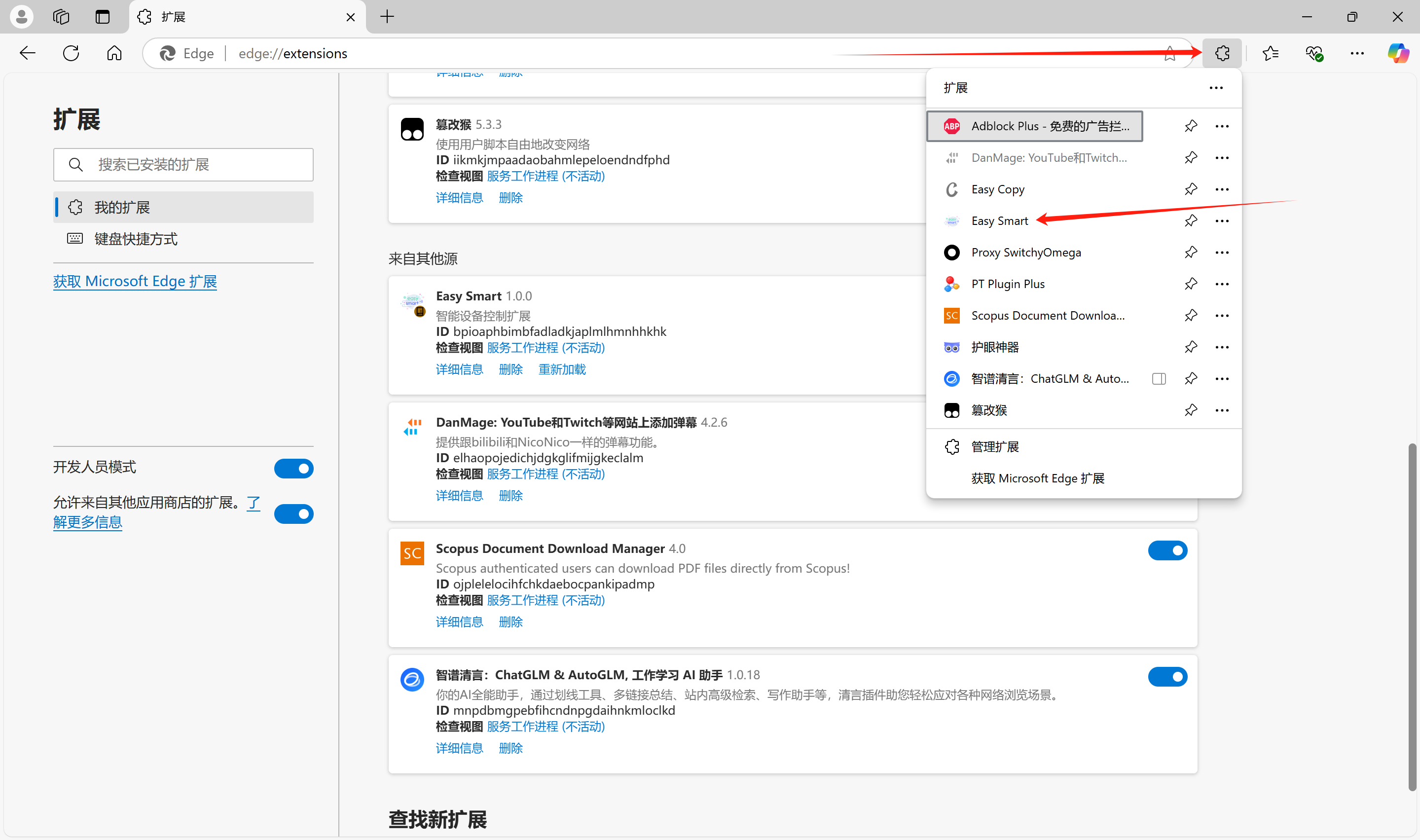
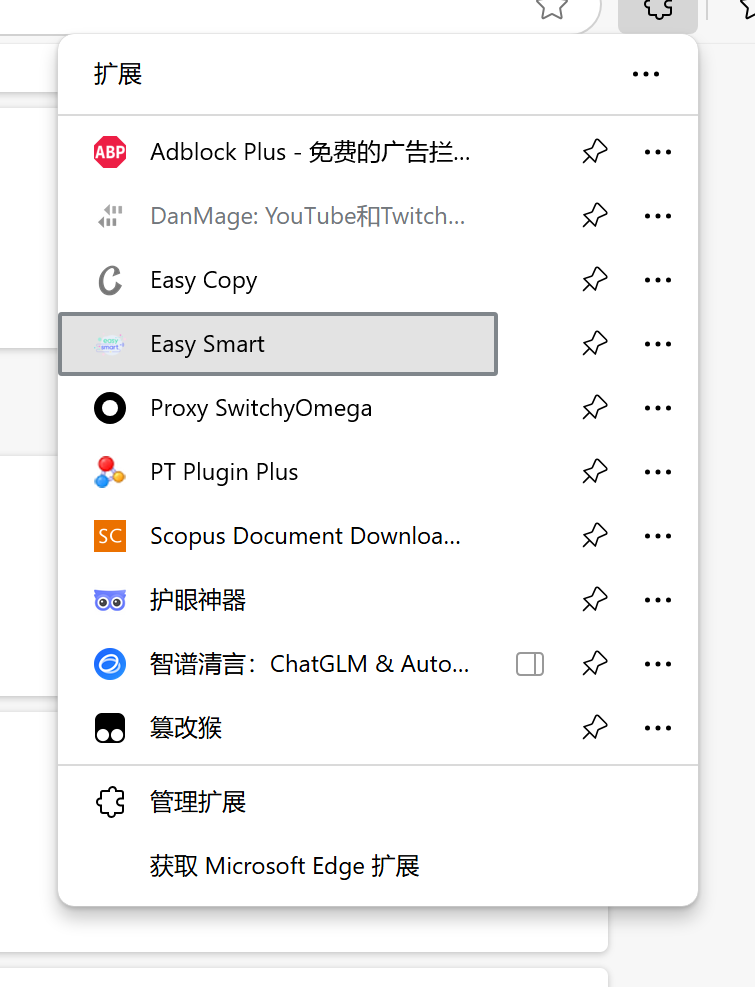
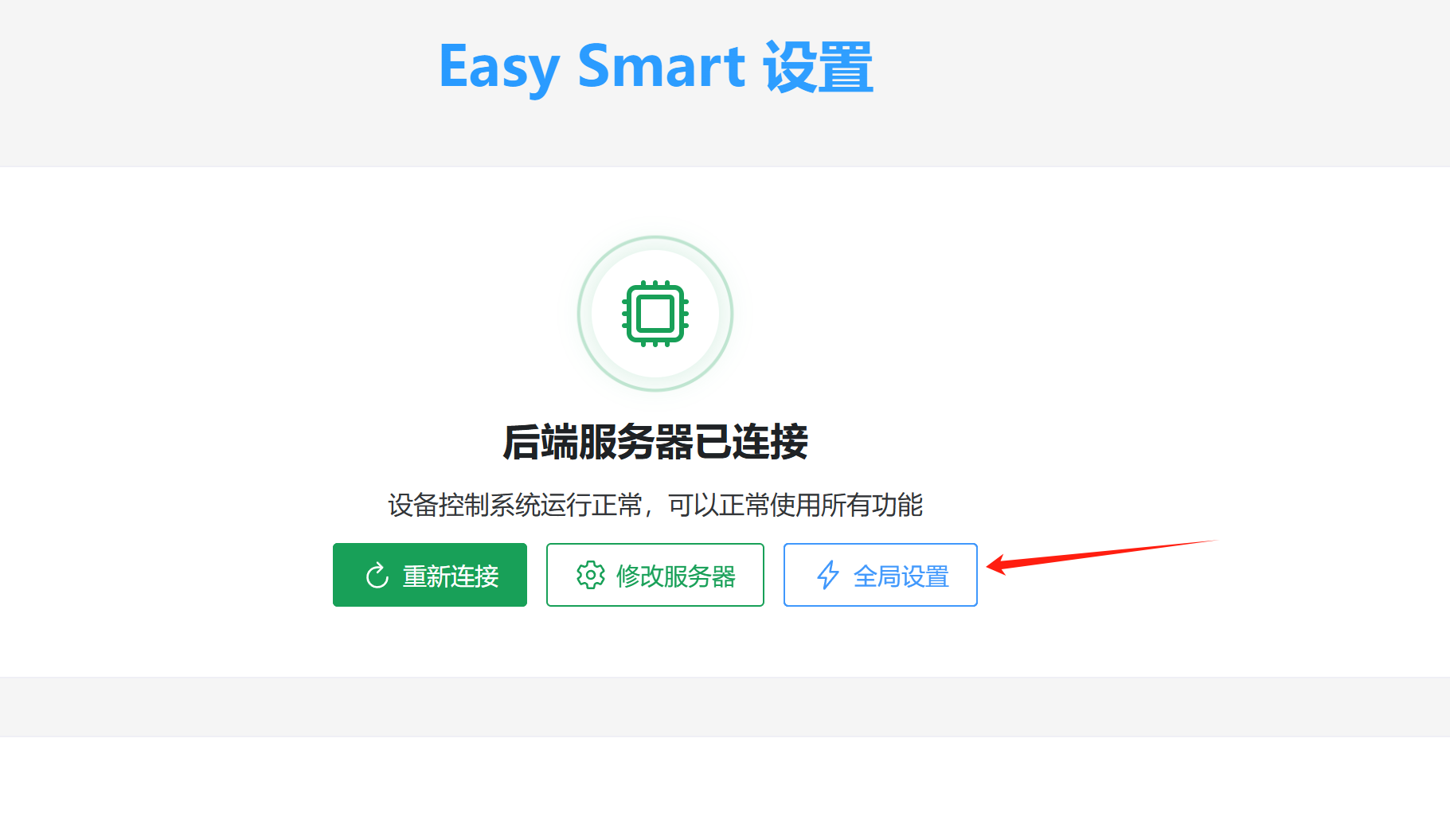
After entering, it should look like this:
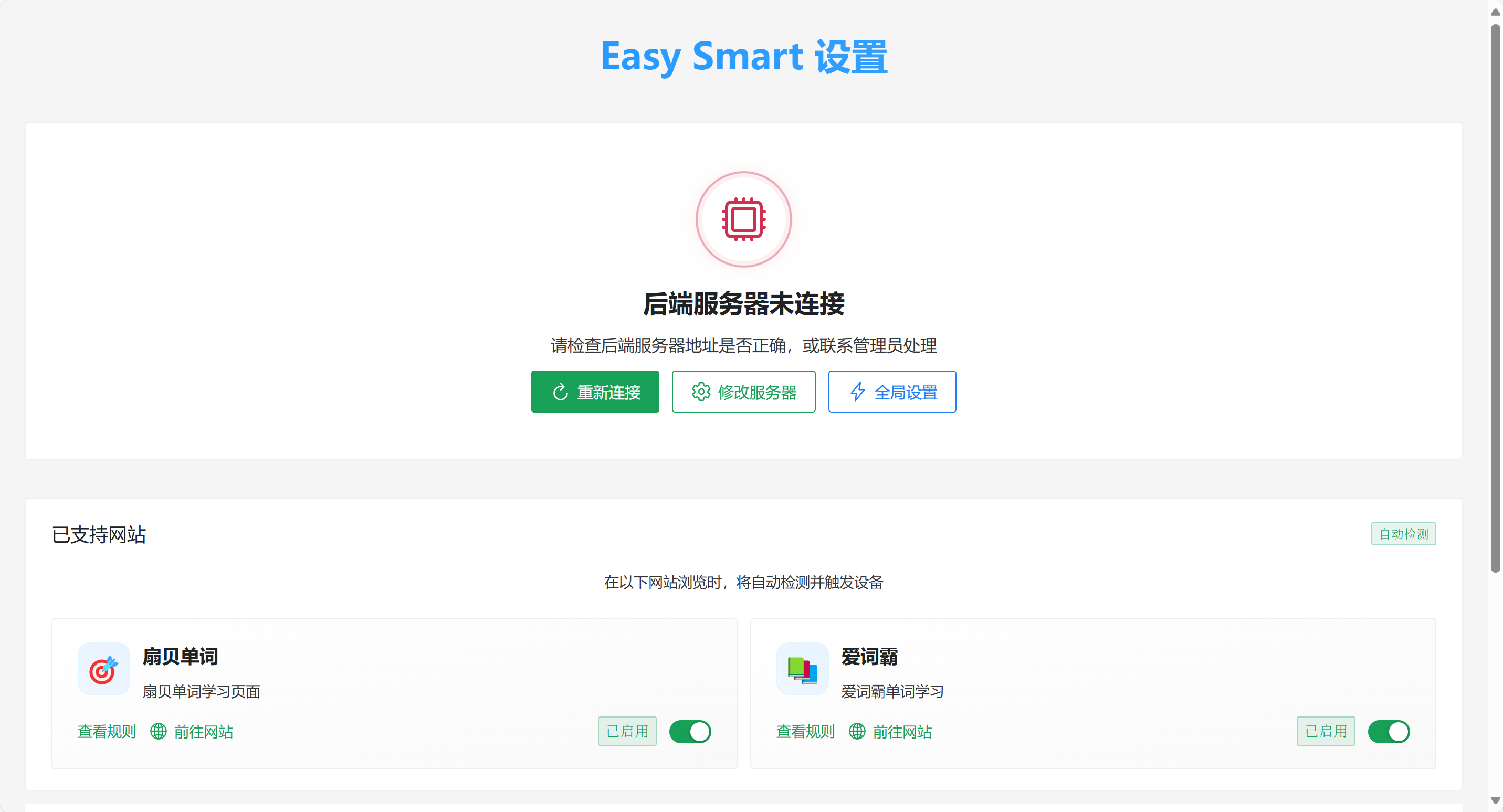
If the local program has started, click "Reconnect."
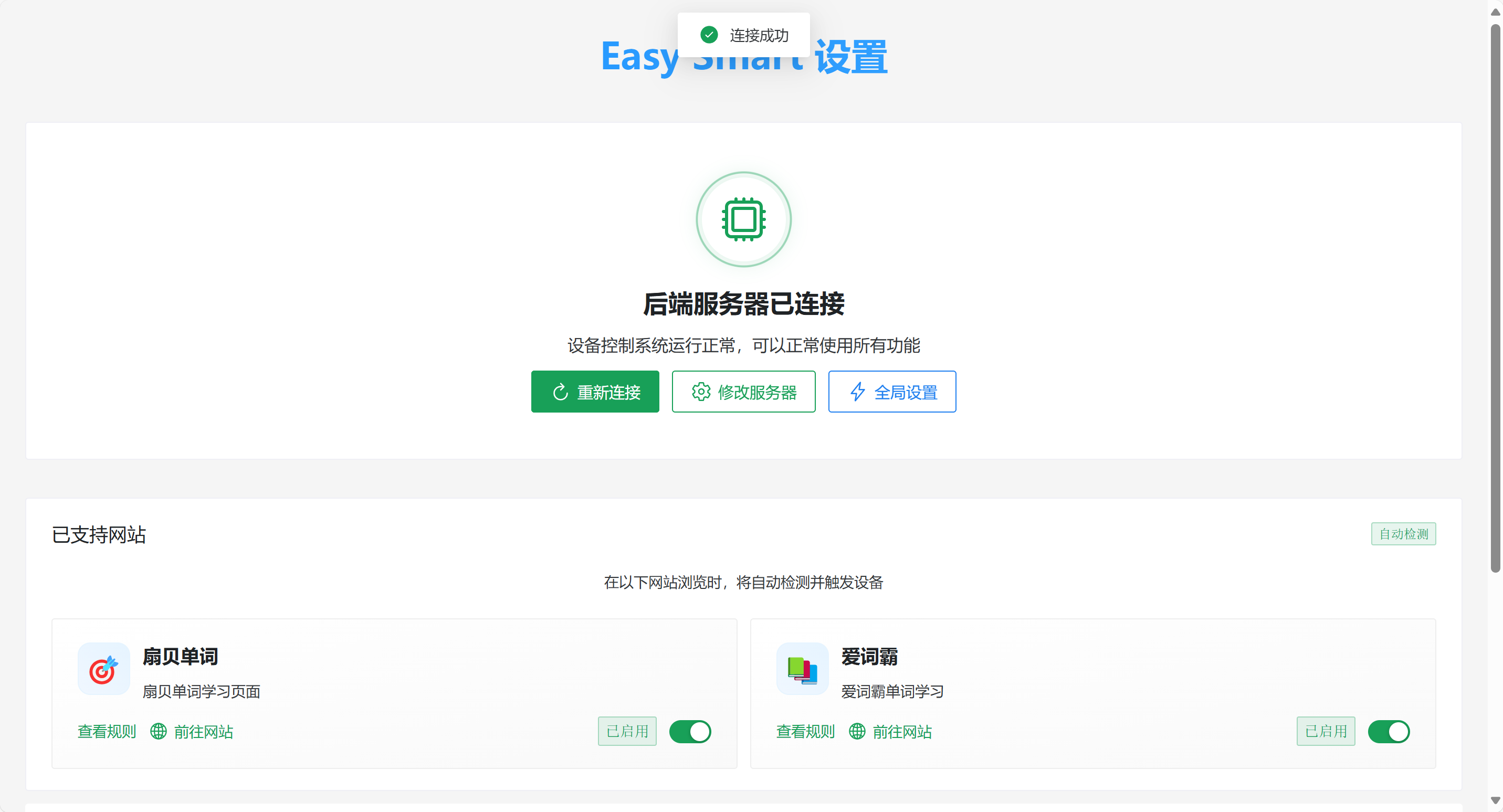
Now you can see the device below.
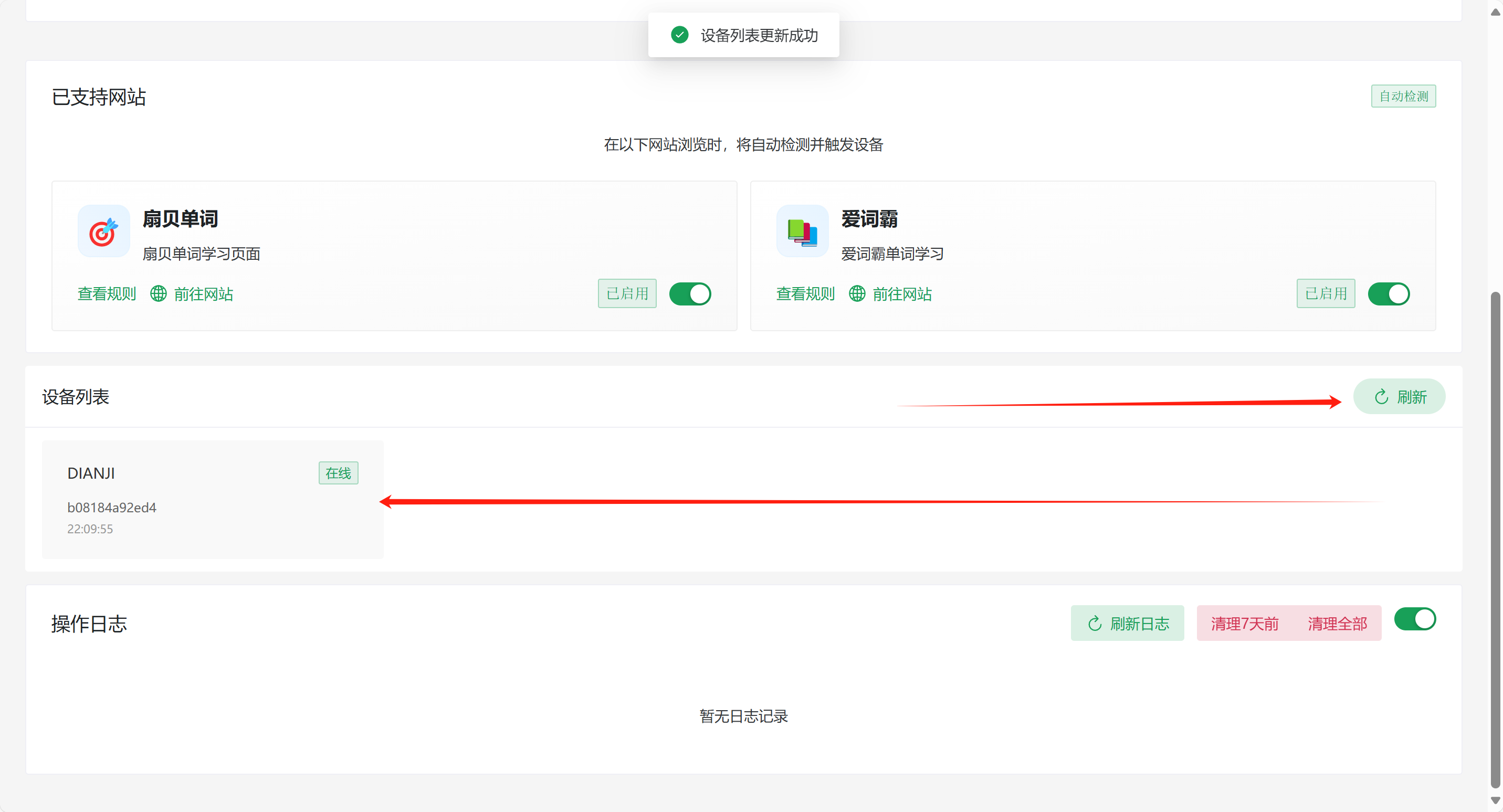
- Click "Global Settings" to set voltage and delay.
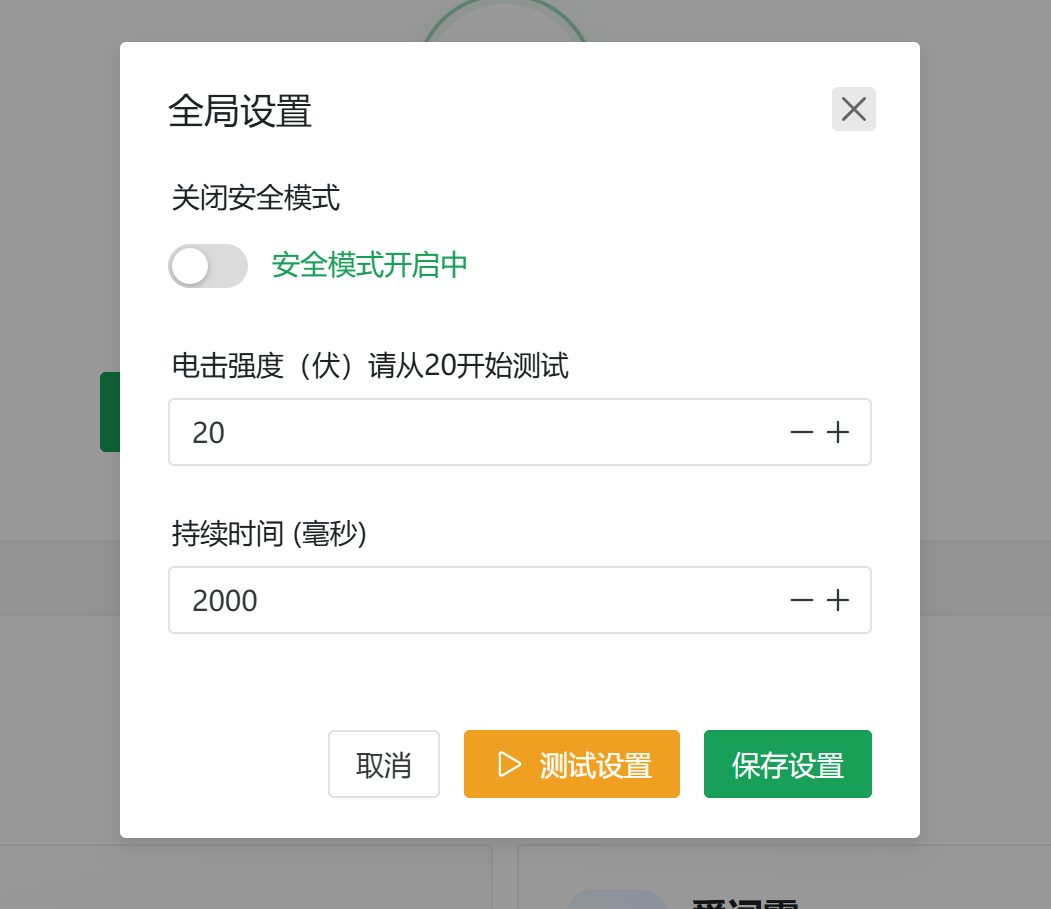
Click "Test Settings" to emit a pulse voltage.
Note: Please start testing from 20 volts. Test each level multiple times. If none feel strong, you can increase the voltage, suggested increments of 10V or less at a time.
Then click "Save Settings."
Start Learning Vocabulary
Just start using Shanbay Word directly.
Here, let's introduce Vocabulary Master.
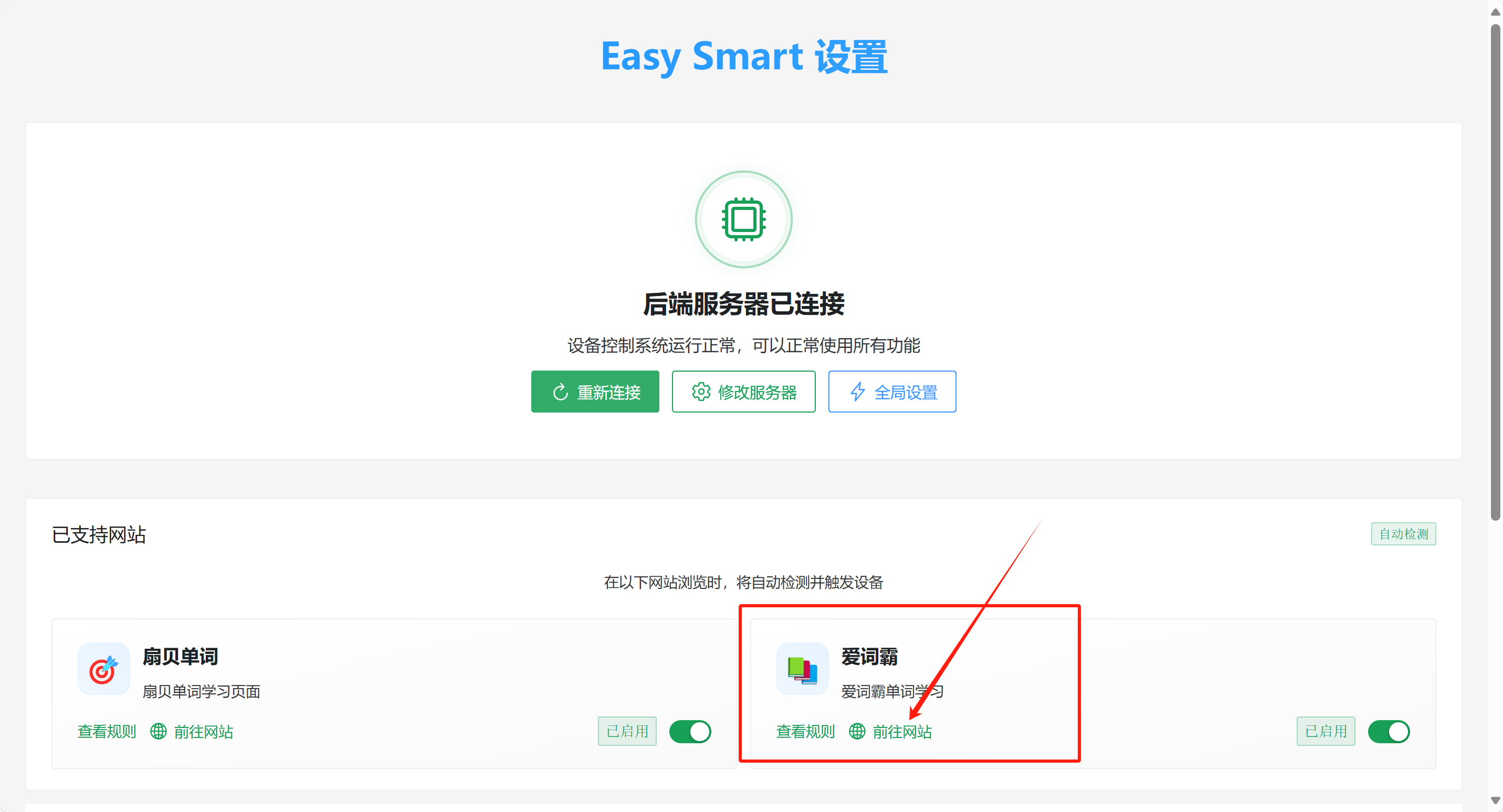
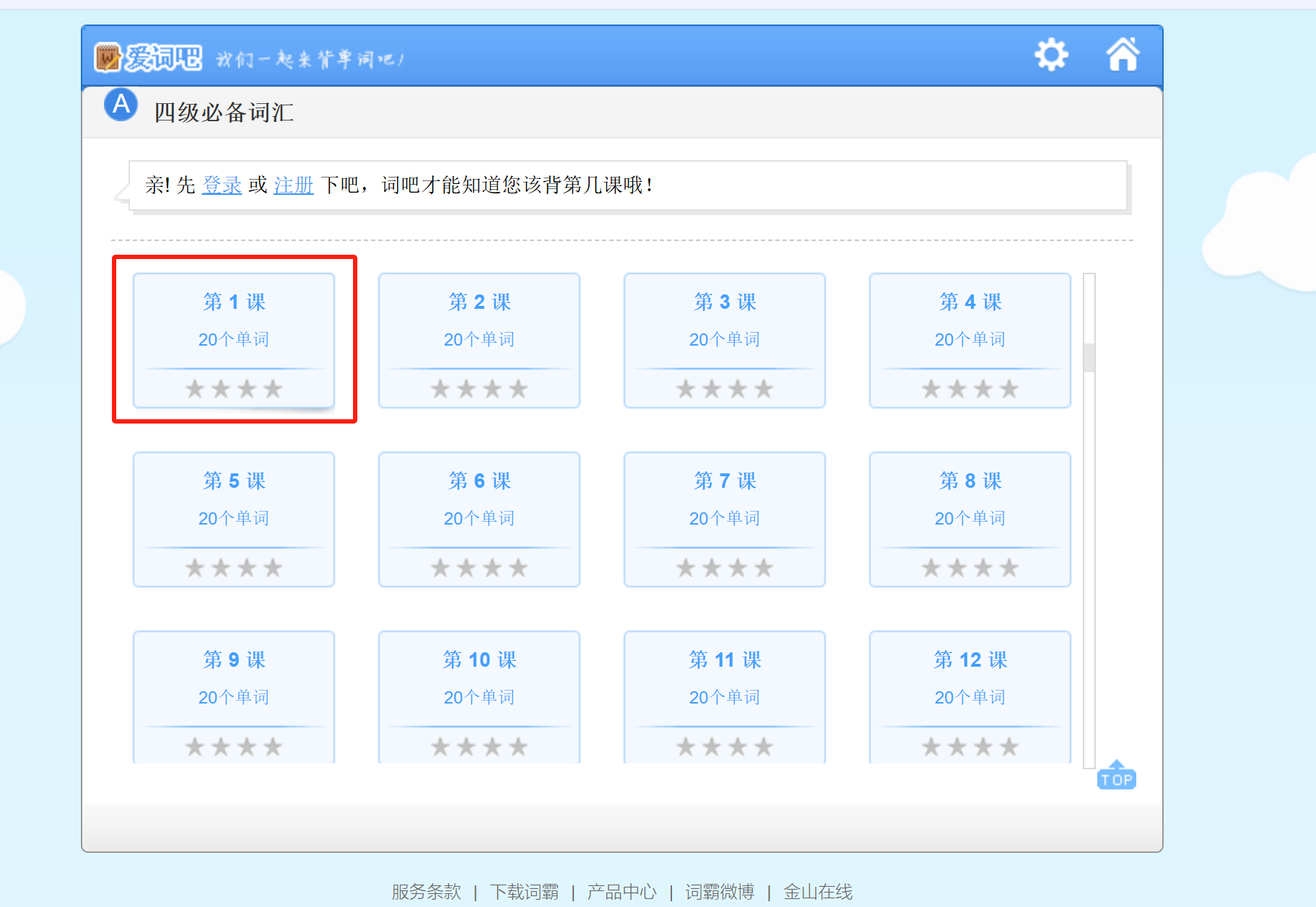
Go to the website.
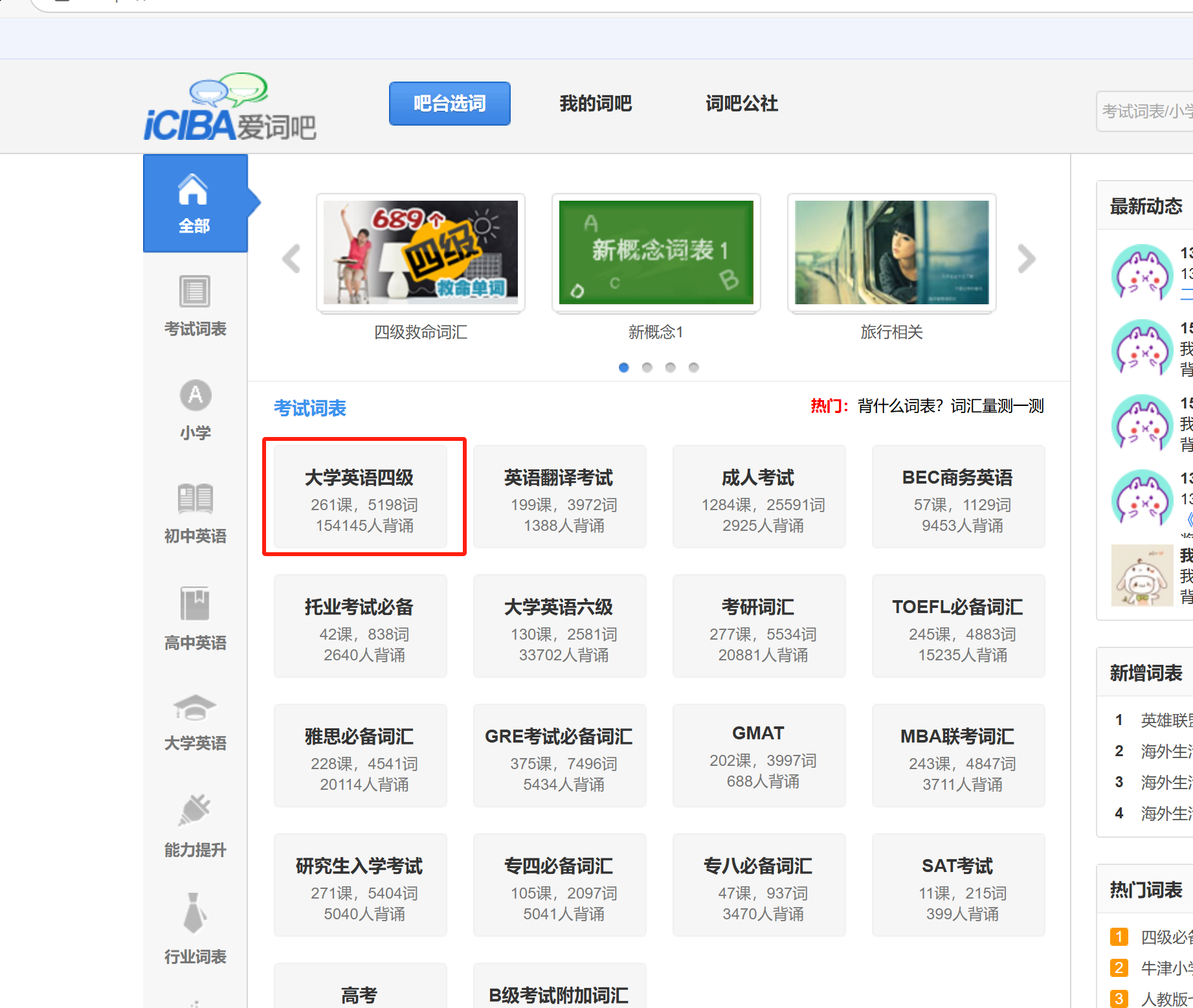
Select a vocabulary list, for example, CET-4.
Choose a lesson.
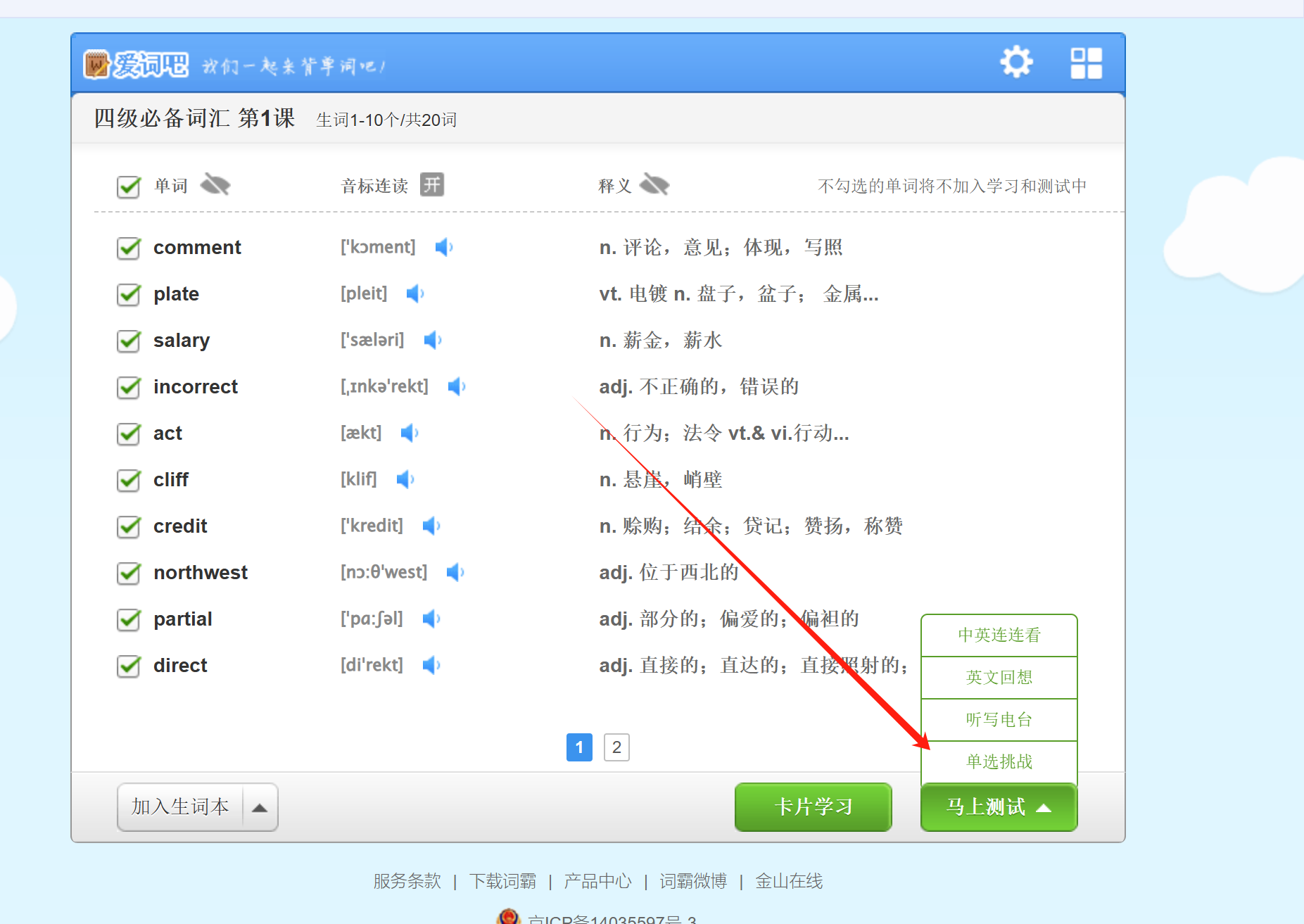
Click "Single Choice Challenge."
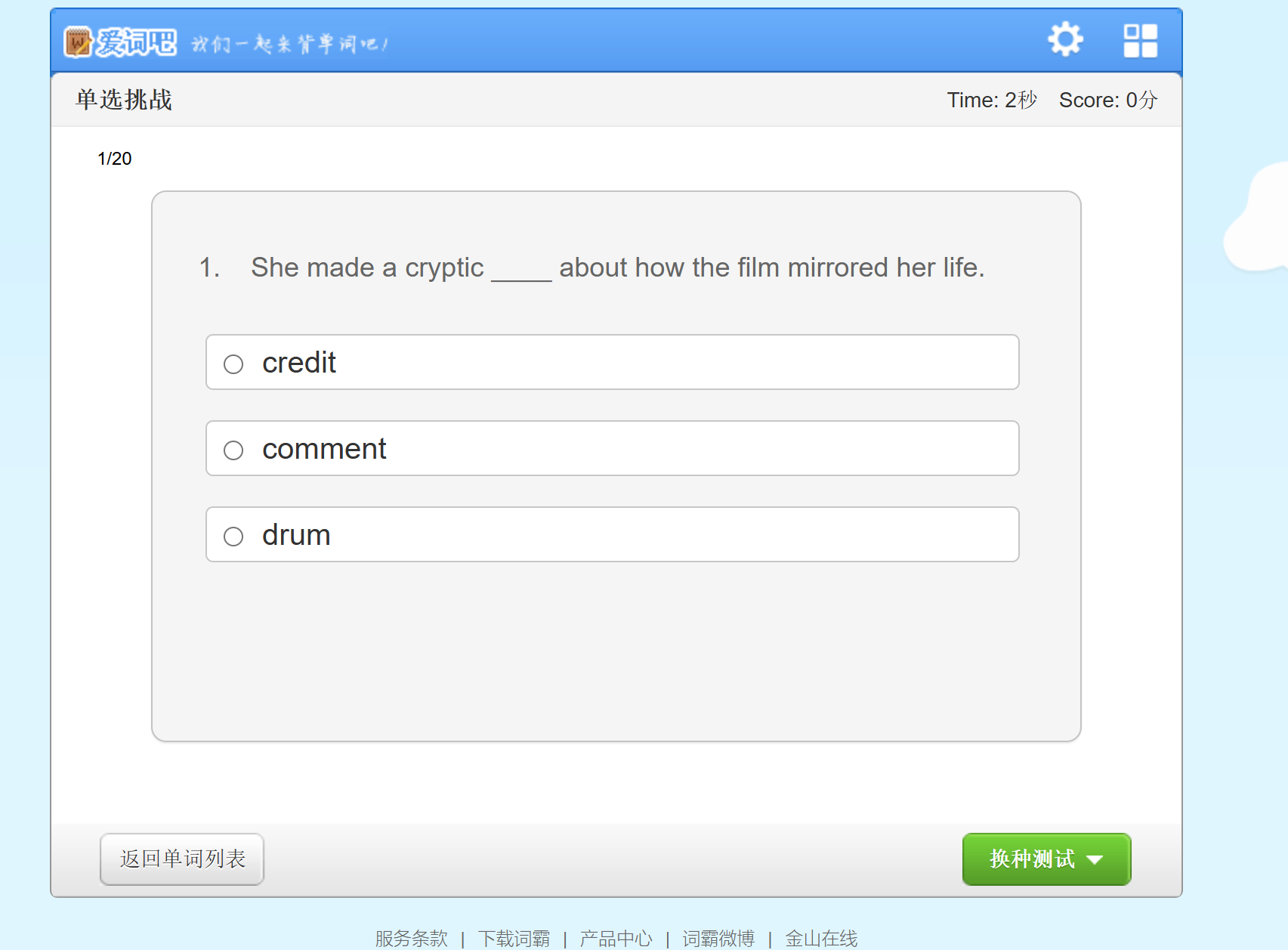
Now, if you select the wrong answer, an electrical pulse will be triggered.